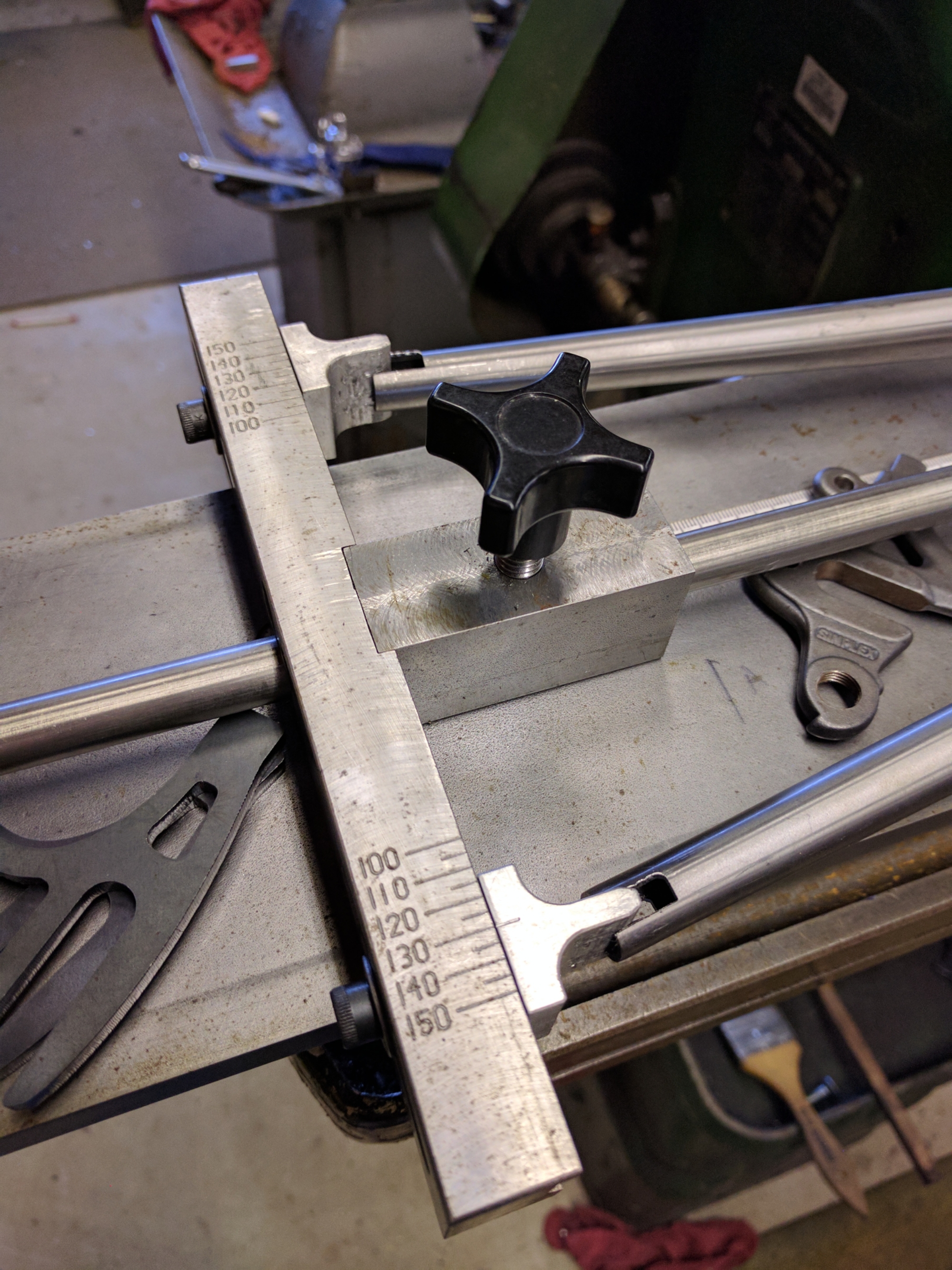


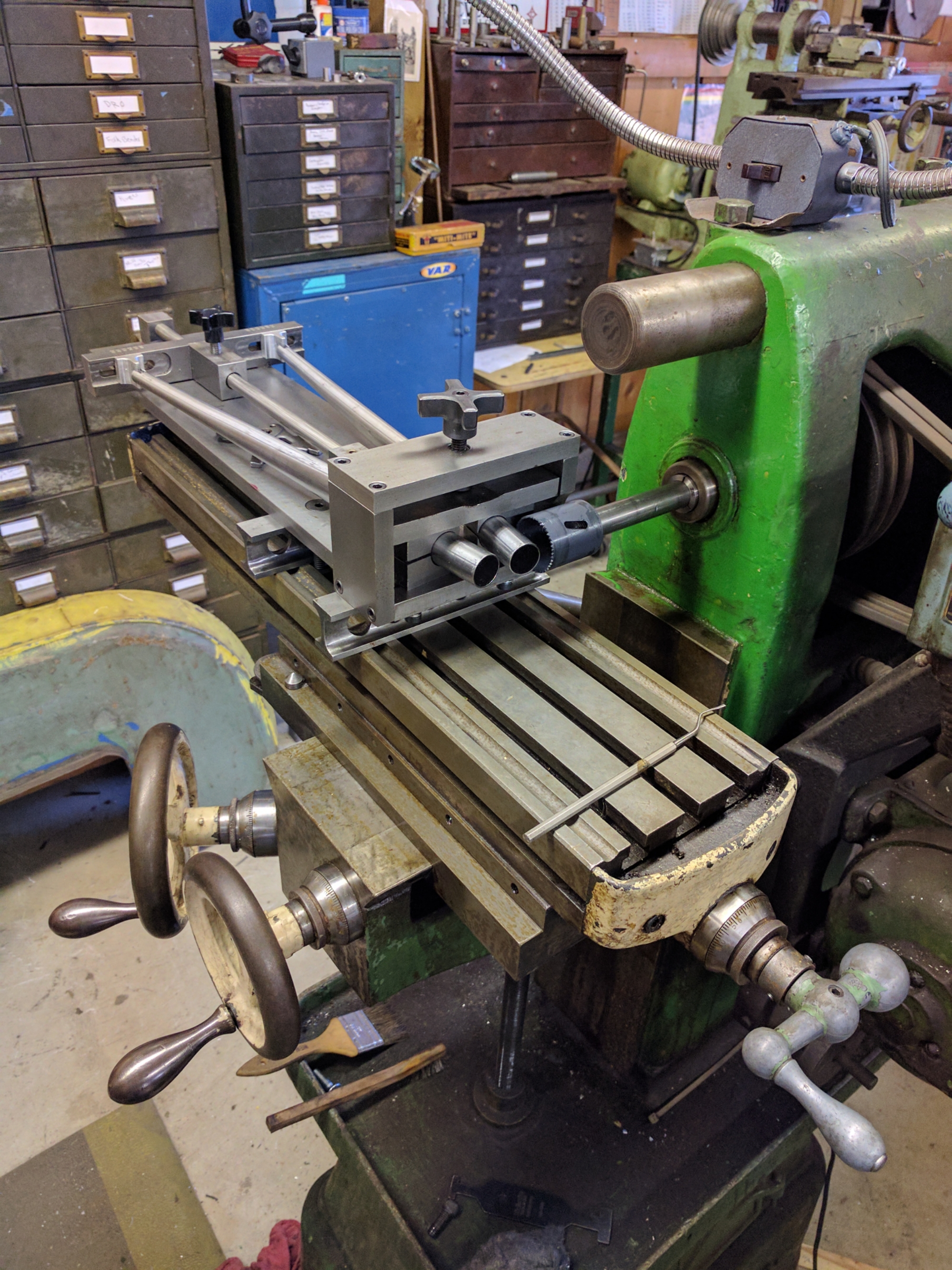
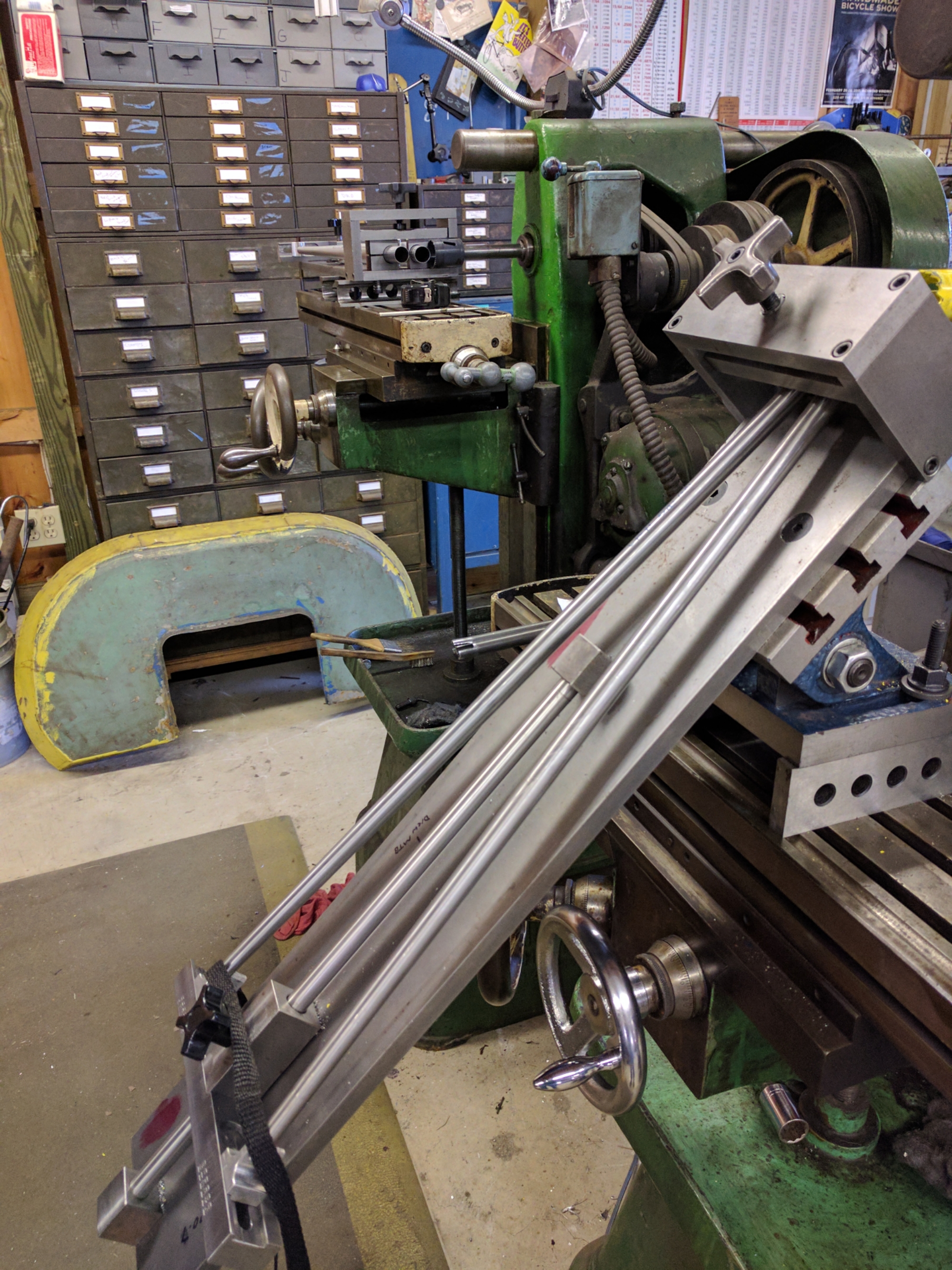
Sputnik Fixtures Dialed in on respective mills. Hone the tube mitering process up next.
read more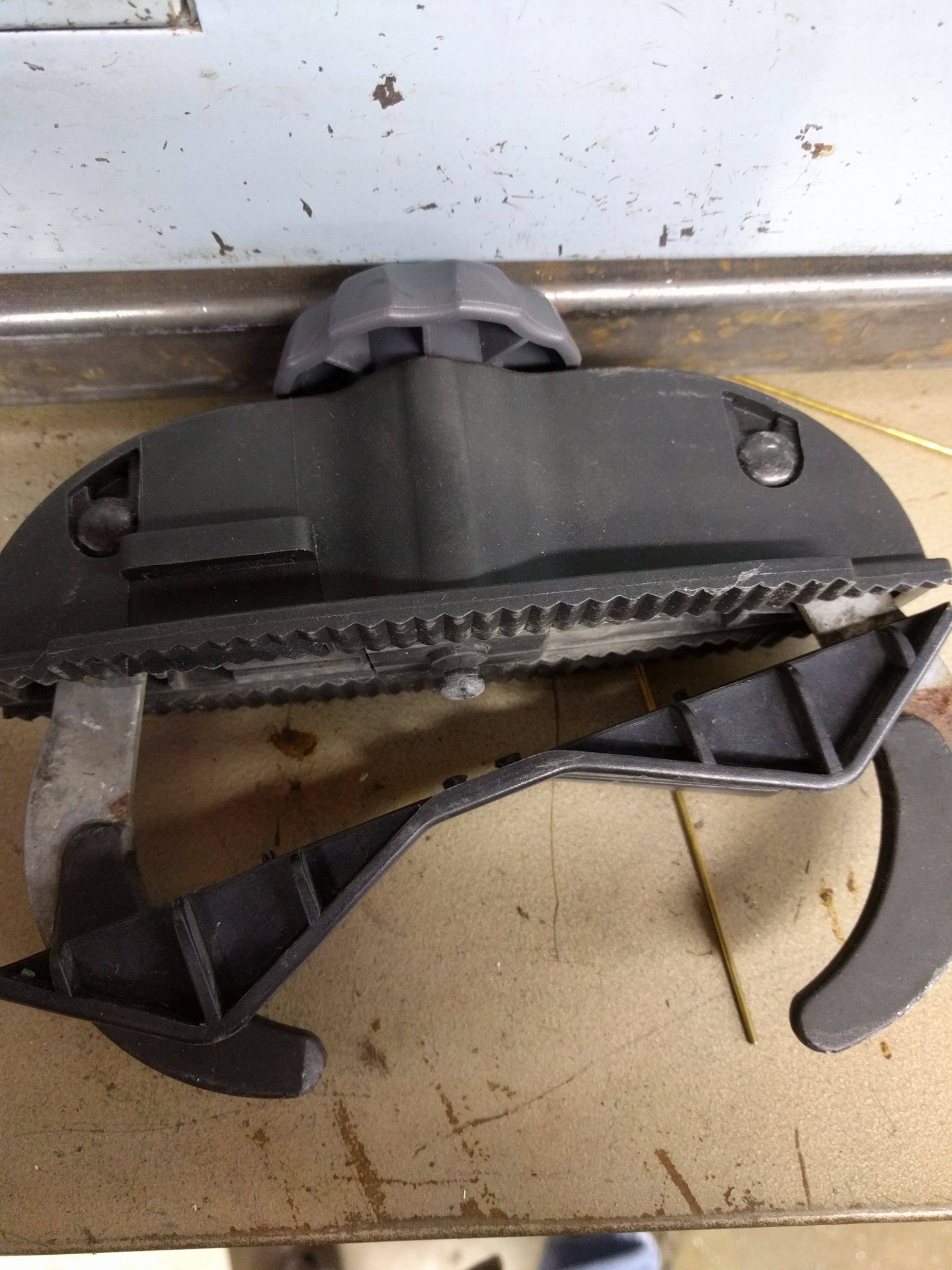
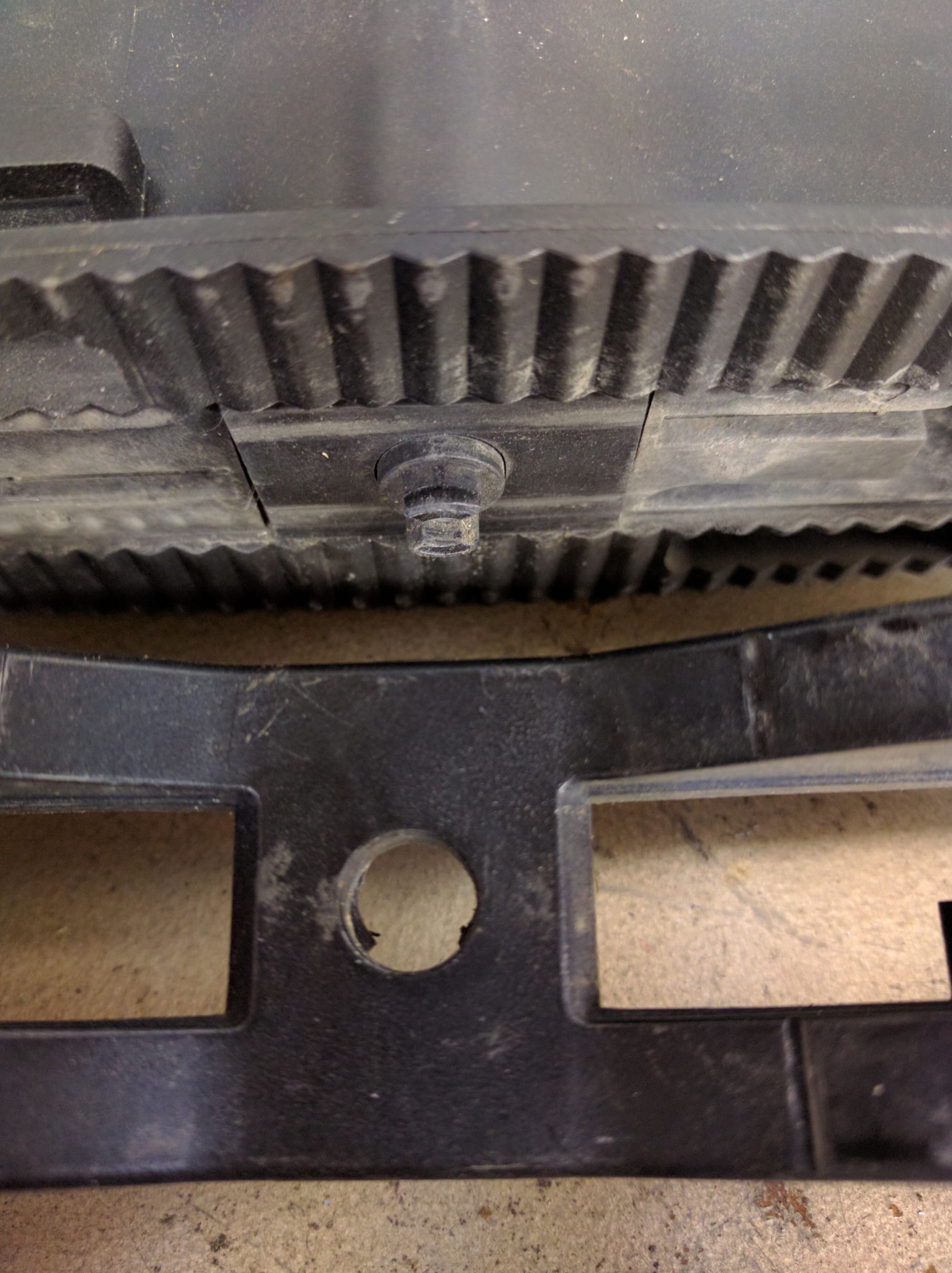
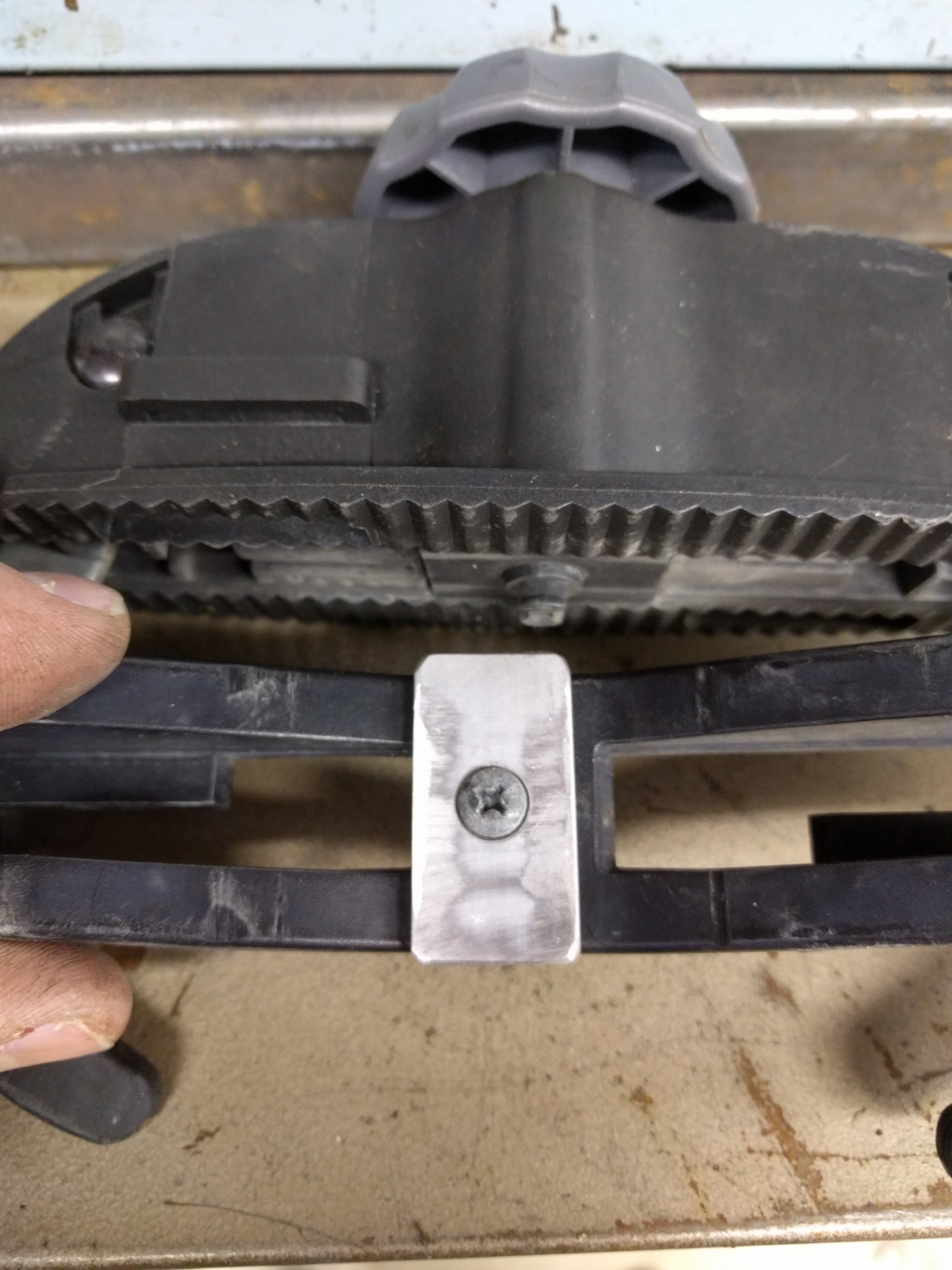
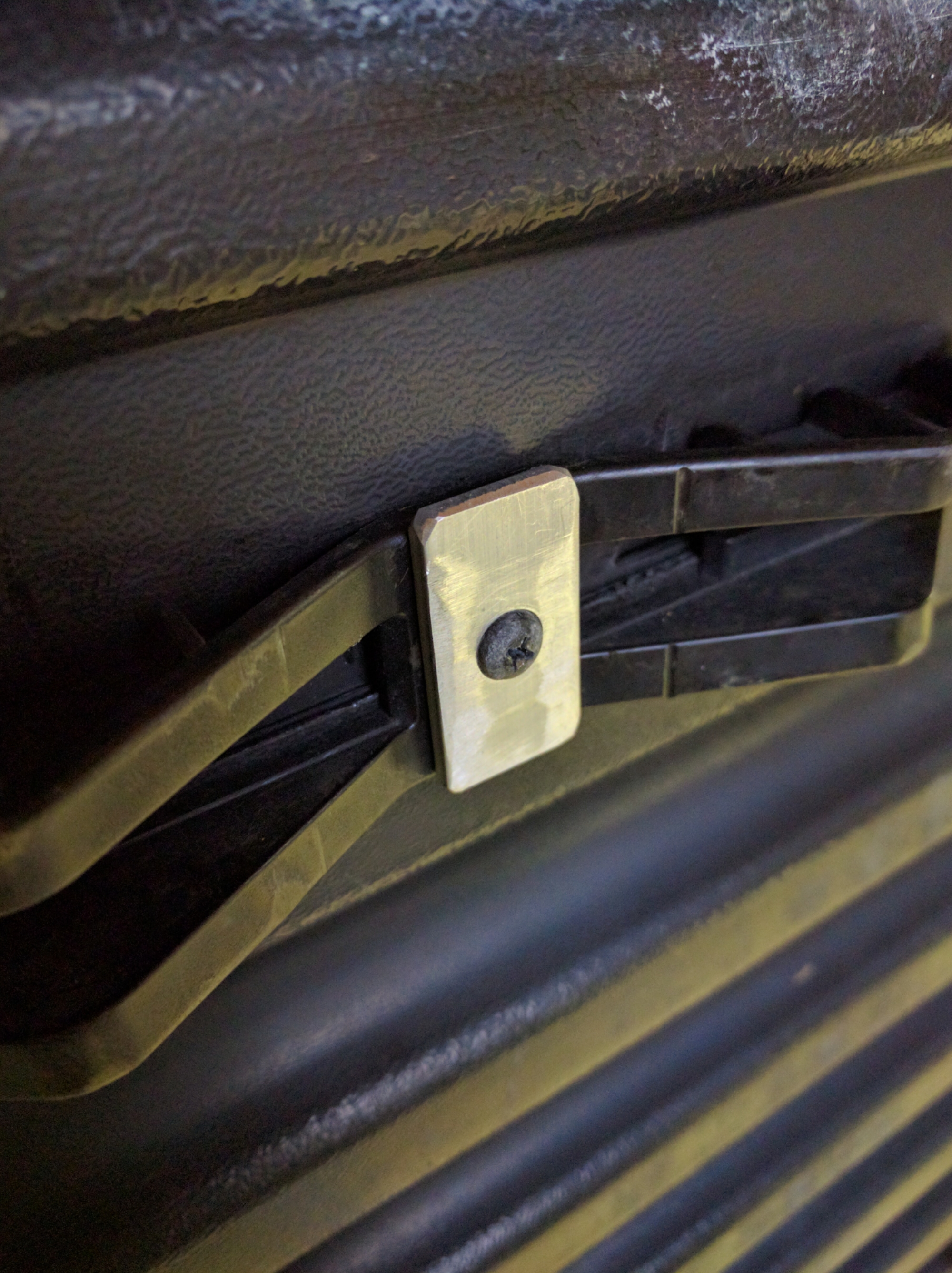
Plastic and I don't get along. Turns out the little plastic "clamps" break pretty easy. Made some flat aluminum washers of sorts and brought them back to life.
May change how it sits on rails but I am pretty sure it will be below the rail surface.
read moreExperimenting with slotting tubing for dropouts on Sheldon Horizontal Mill. Vise allows pass through for stays and keeps various diameters centered on slotting saw. For tapered tubes the vise can be tilted to compensate and a round wire on the top of vee block makes for rigid setup.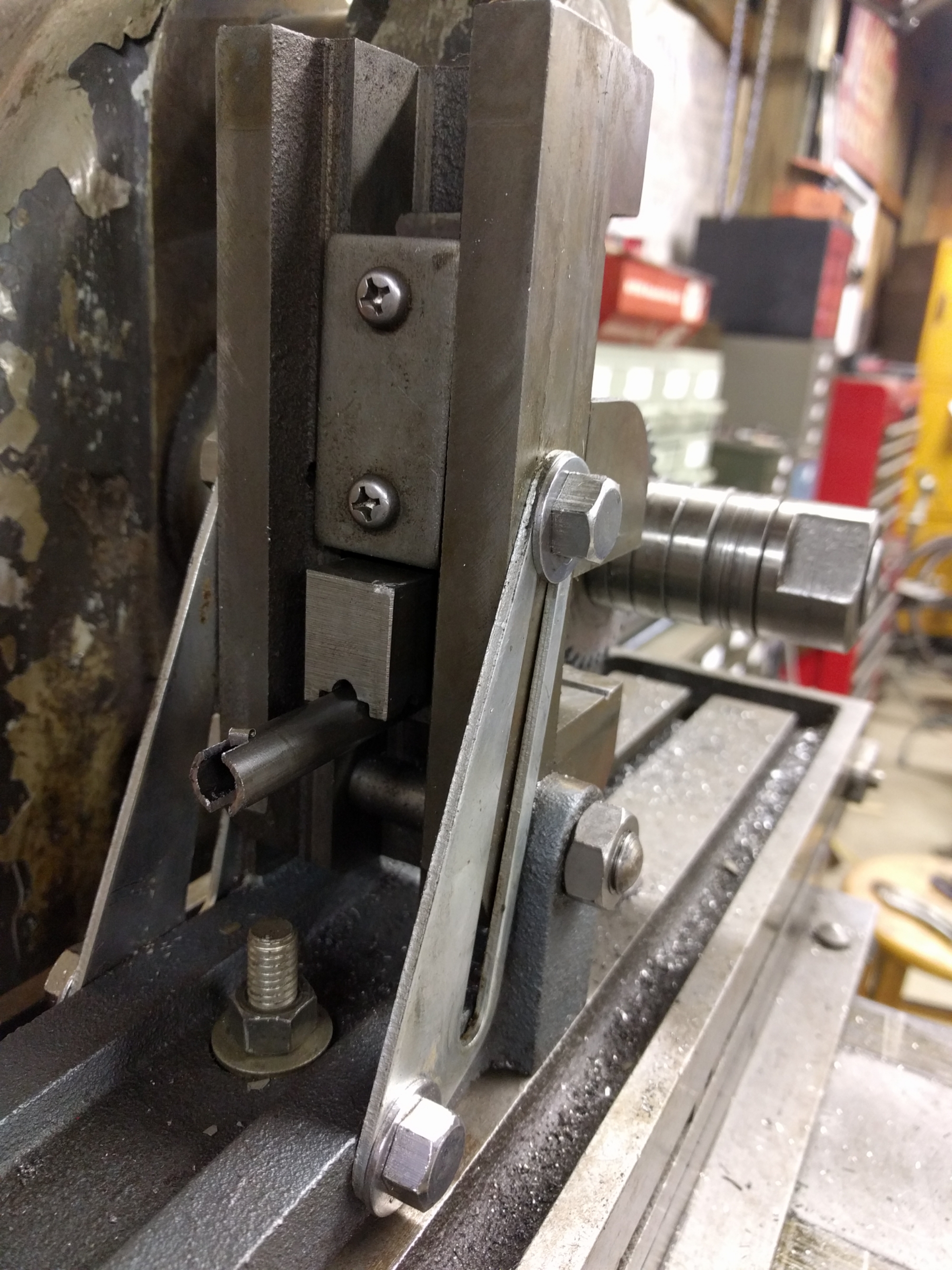
Sputnik main tube fixture on the old horizontal mill.
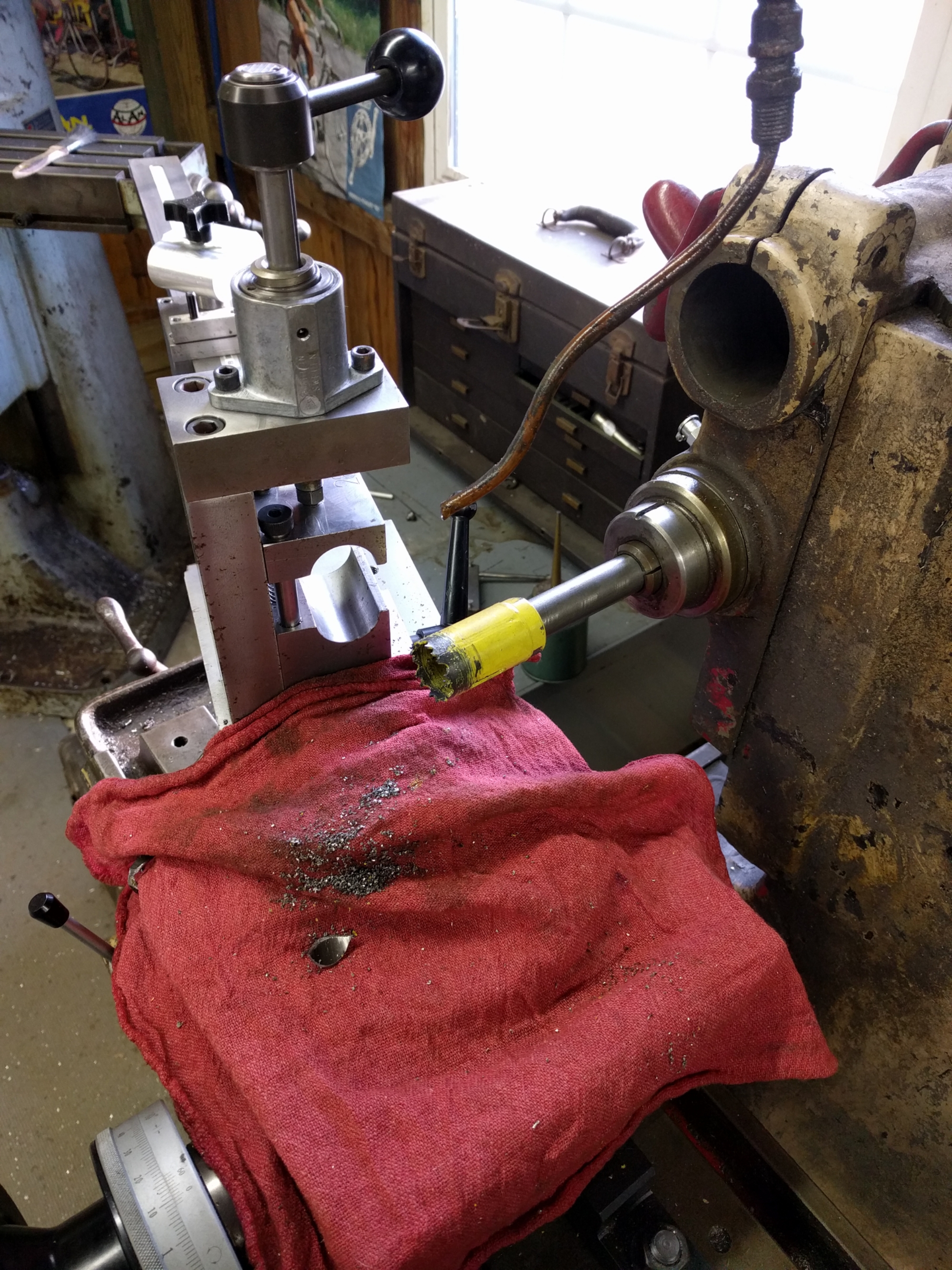
Sputnik Chainstay Fixture on M22 Diamond Mill.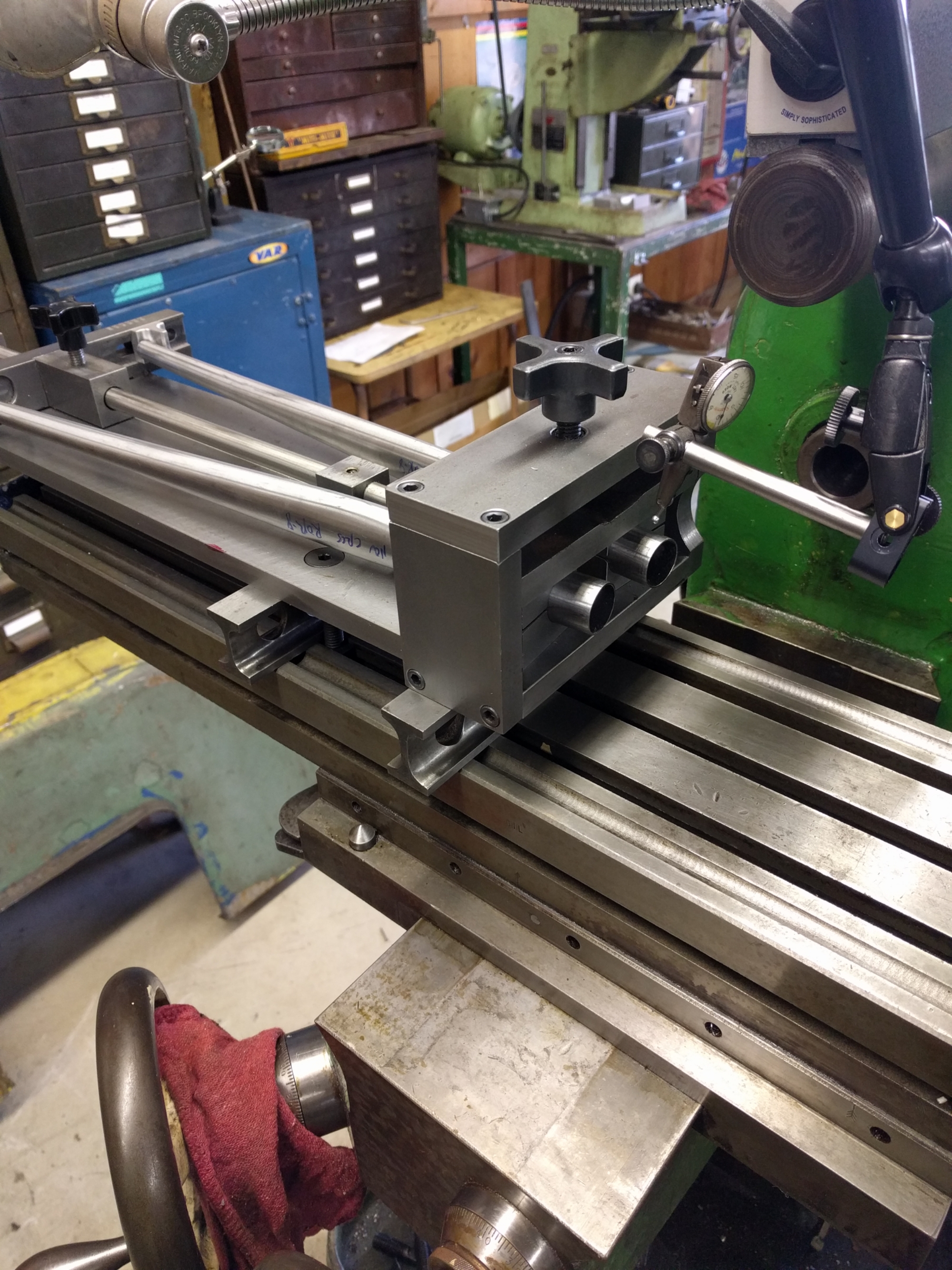
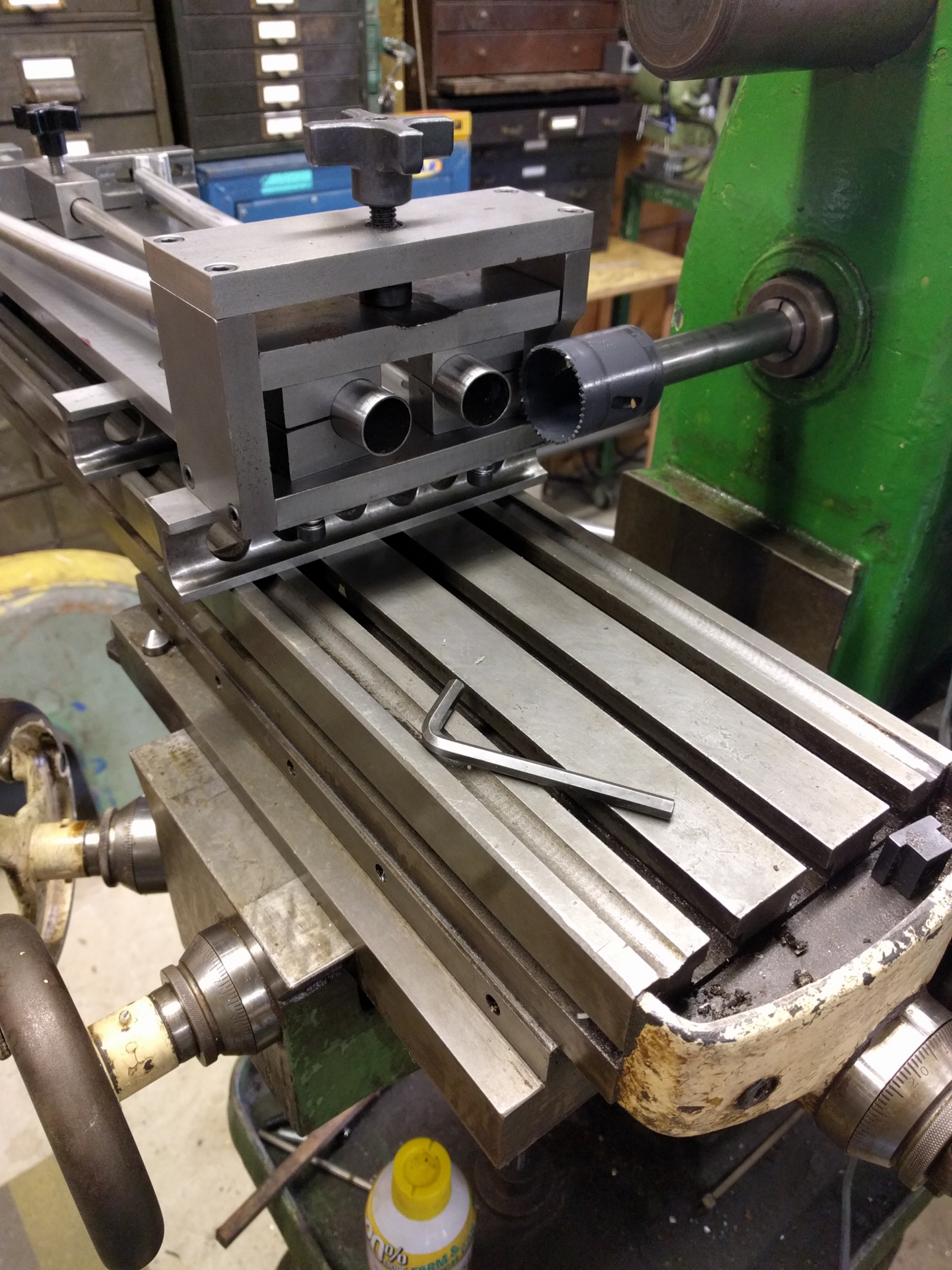
Another view of slotting setup. Cut a bunch of straight 4130 to dial it in. 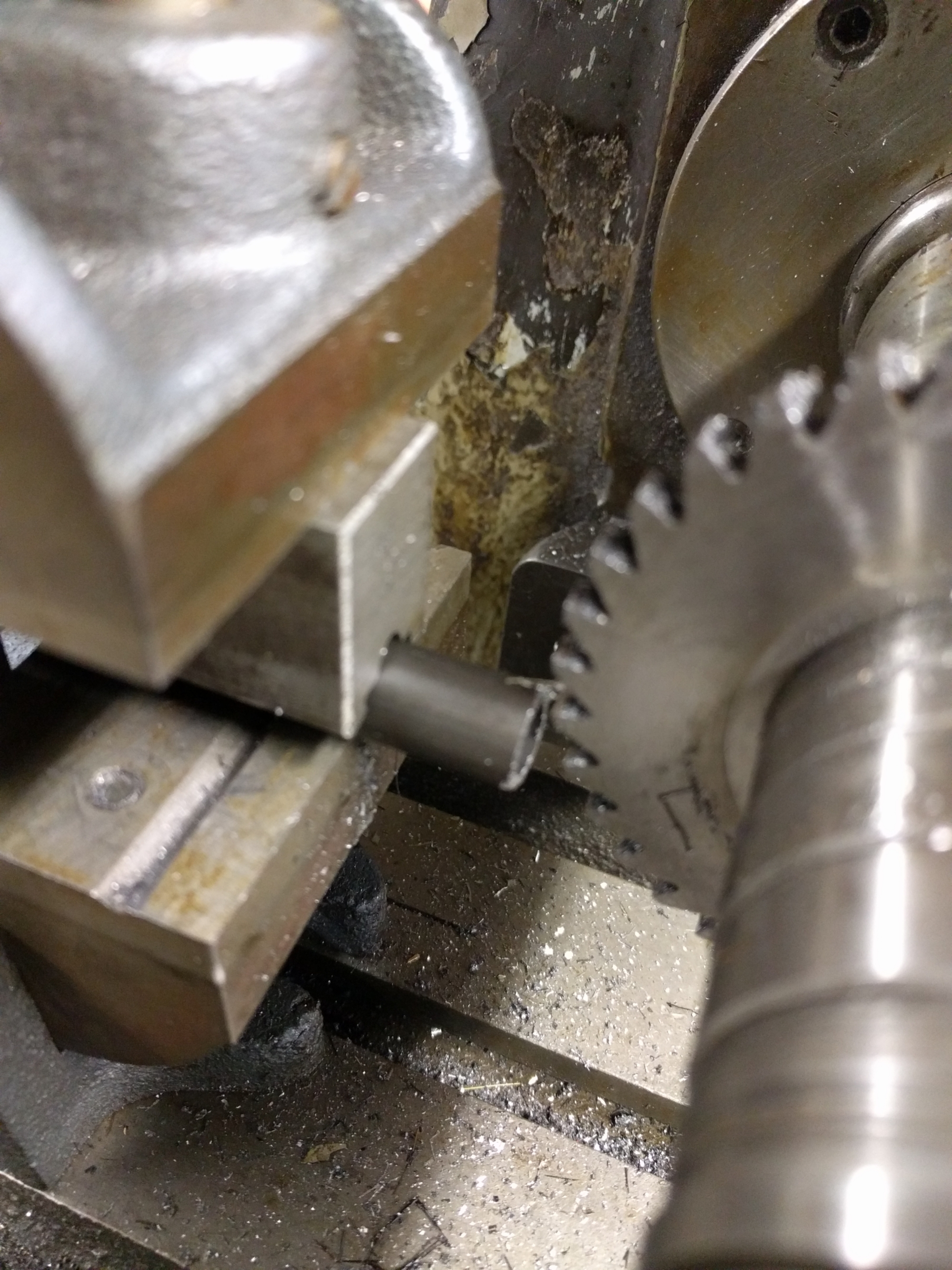
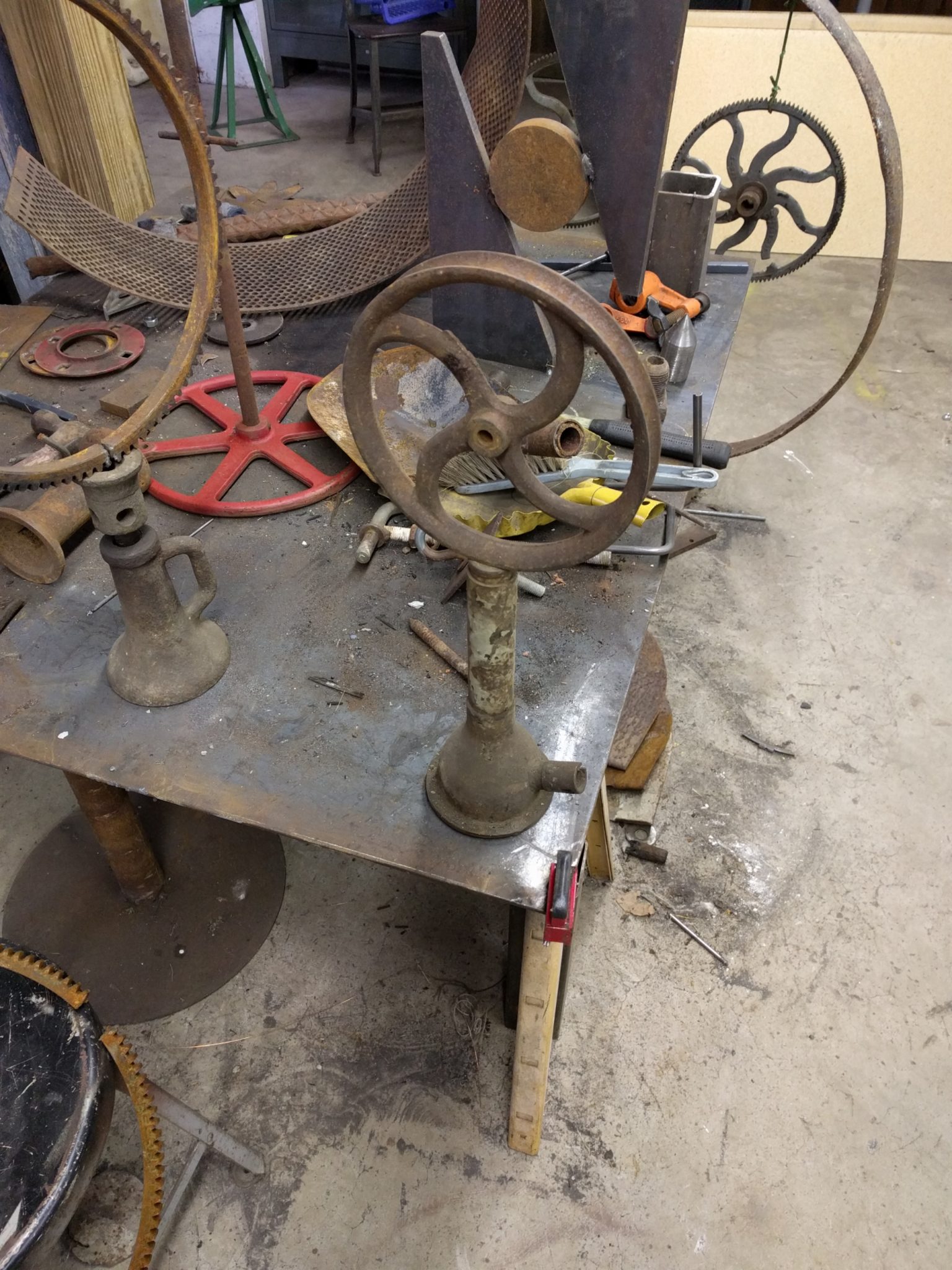
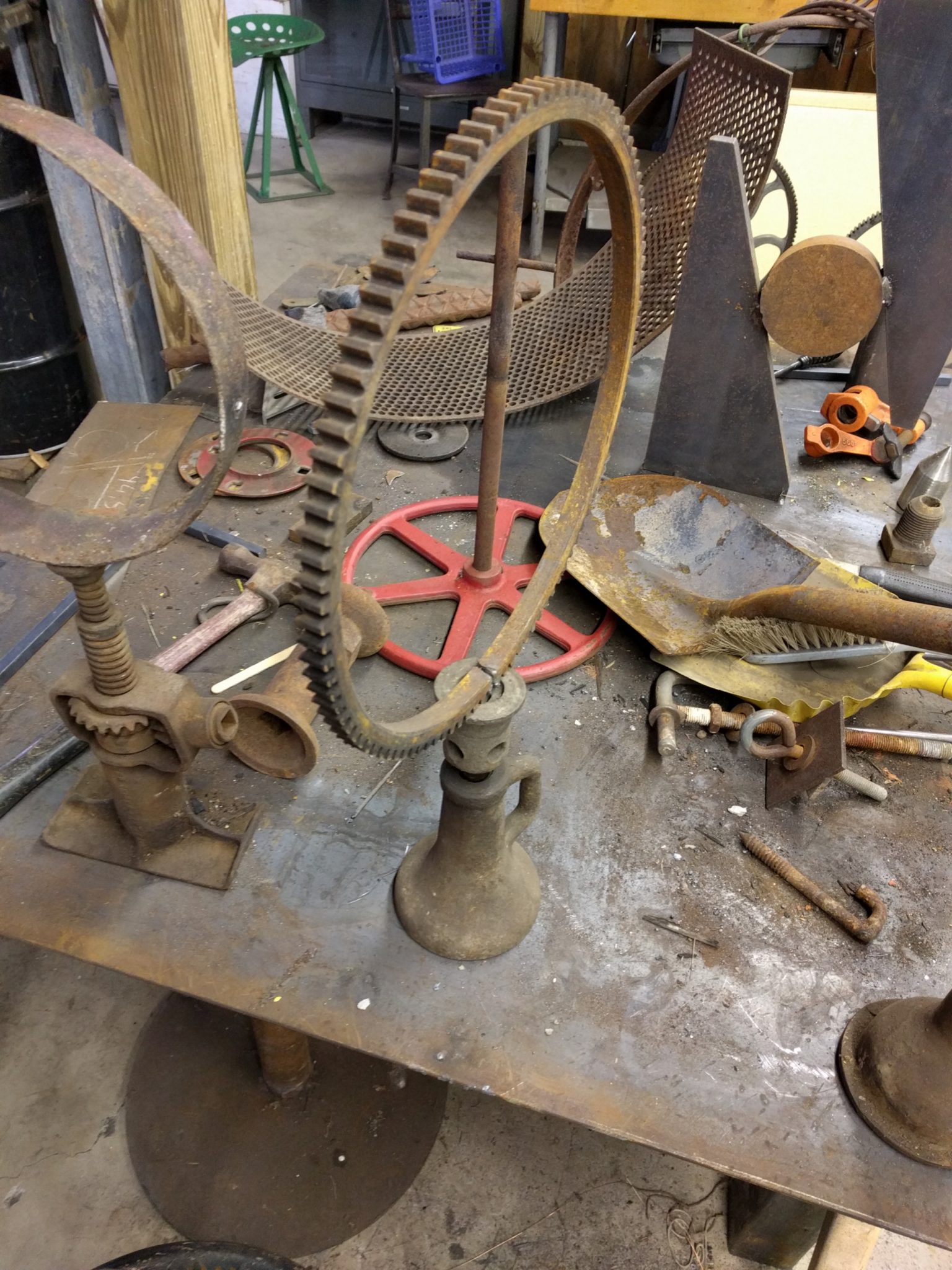
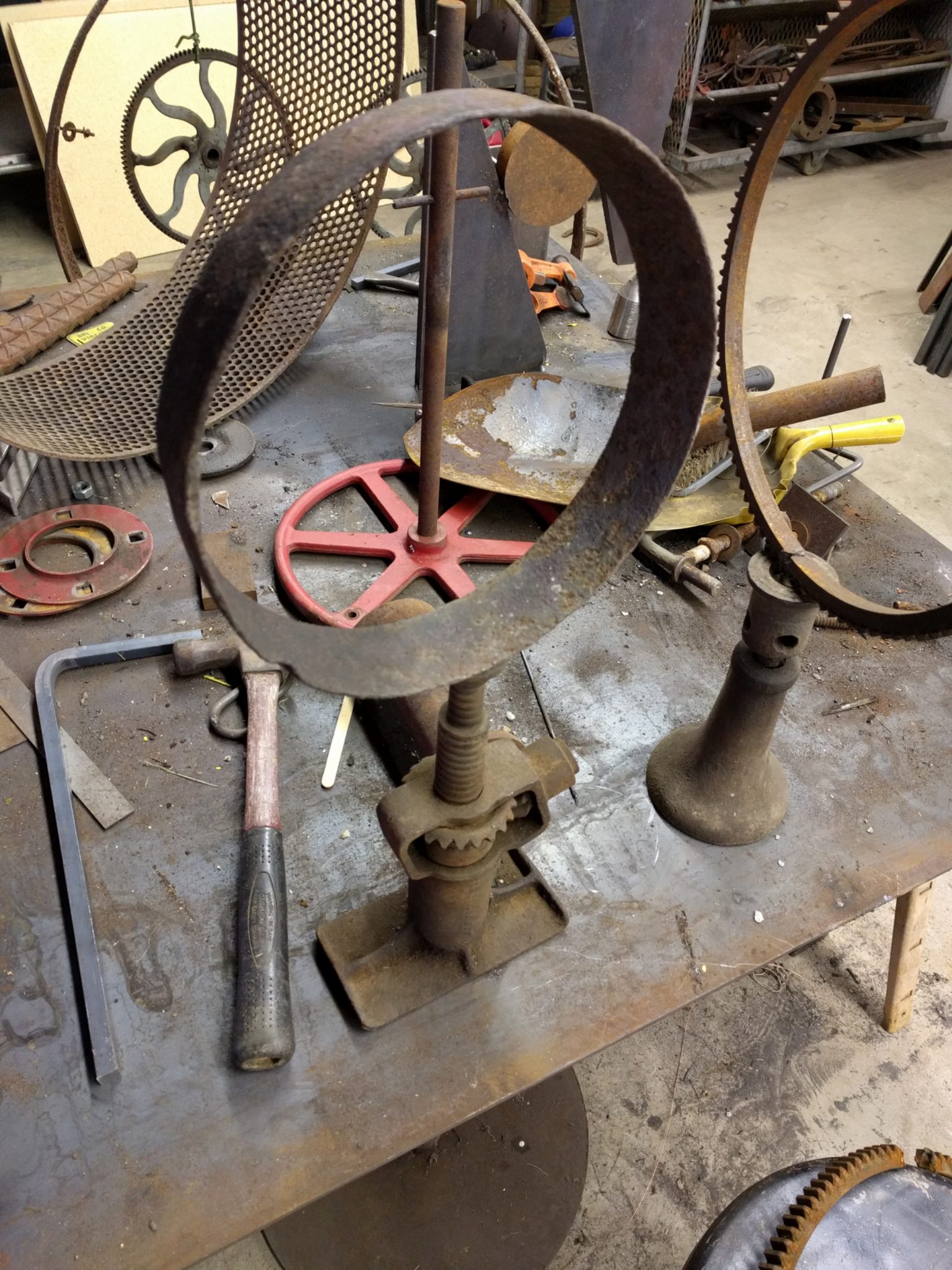
Messing around over the holiday...Just setting up and will figure out attaching them later. Different materials always make welding them tricky. Might figure out a mechanical connection...
read more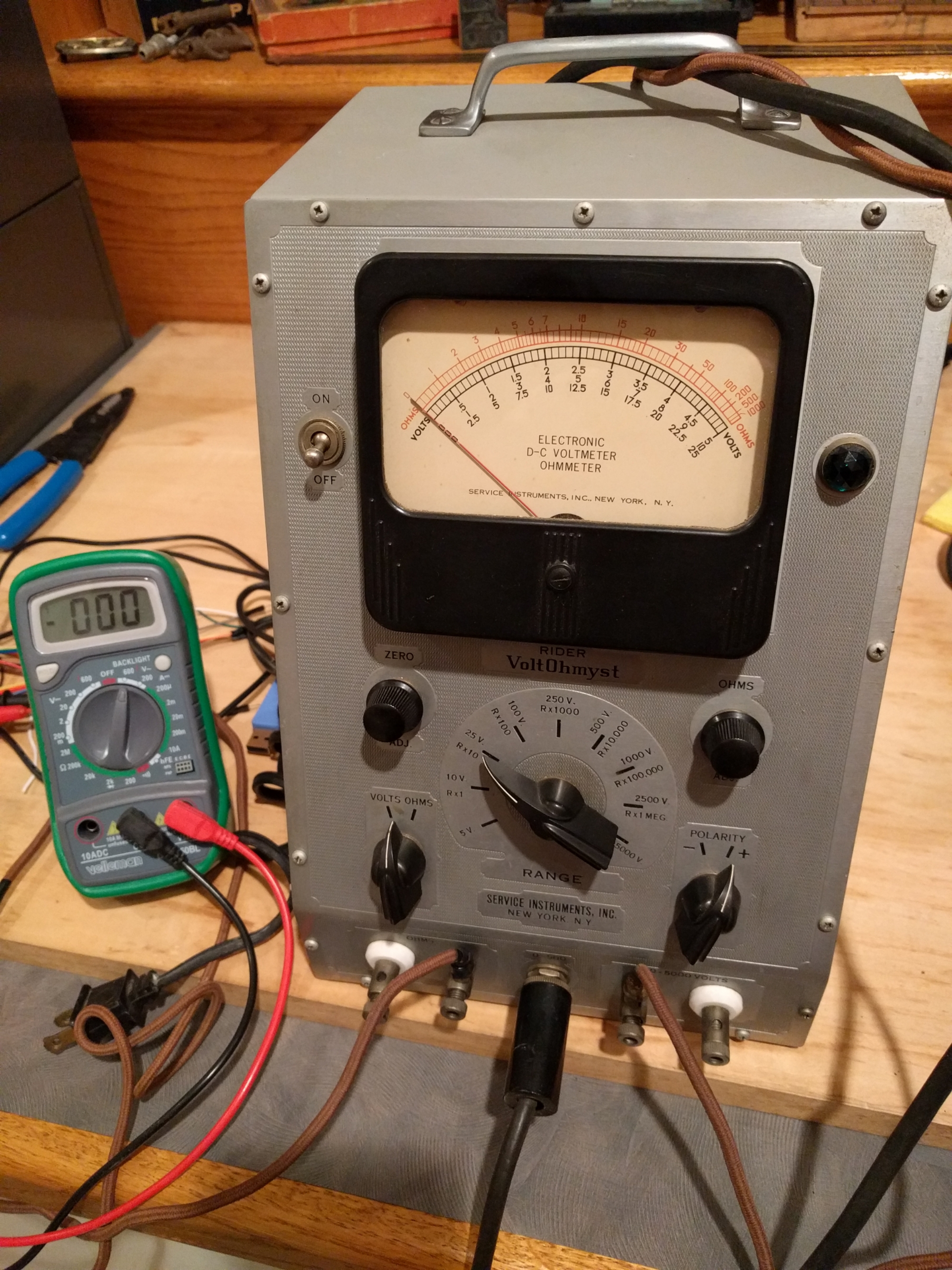
Could not help myself...Just had to bring home the Rider VoltOhmyst. Plugged her in and measured some voltage on some DC batteries as well as some ohms across some resistors. resistors. Dead on...Well after some adjustments and warming up. Will put on the shelf now.
Dates around 1939.
read more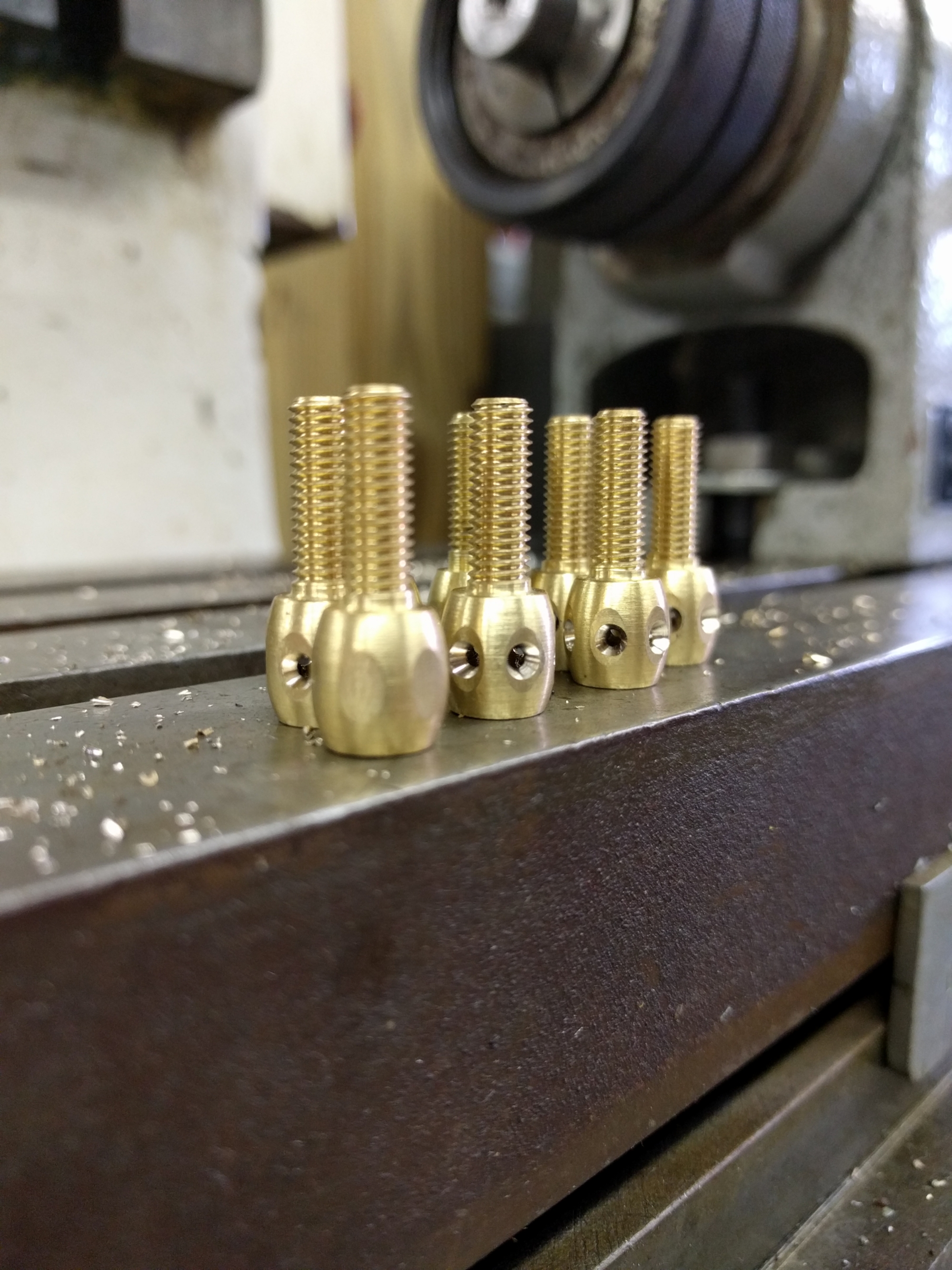
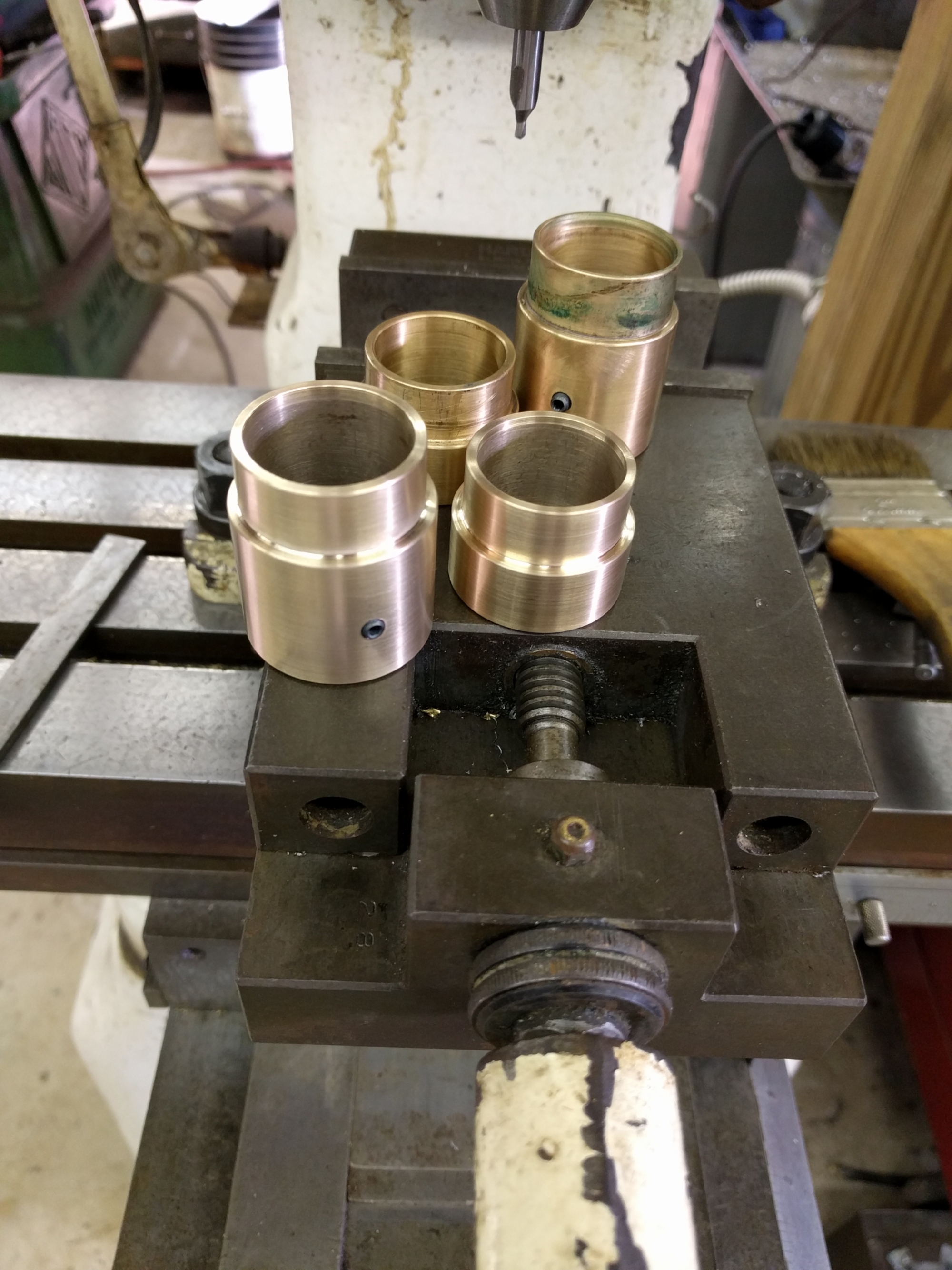
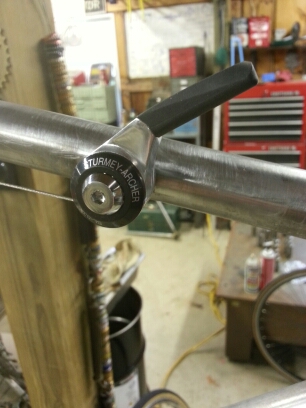
Finished up a few projects. Another Faux Headset for a friend and mods to some cool brass barrel adjusters for another local shop.
read more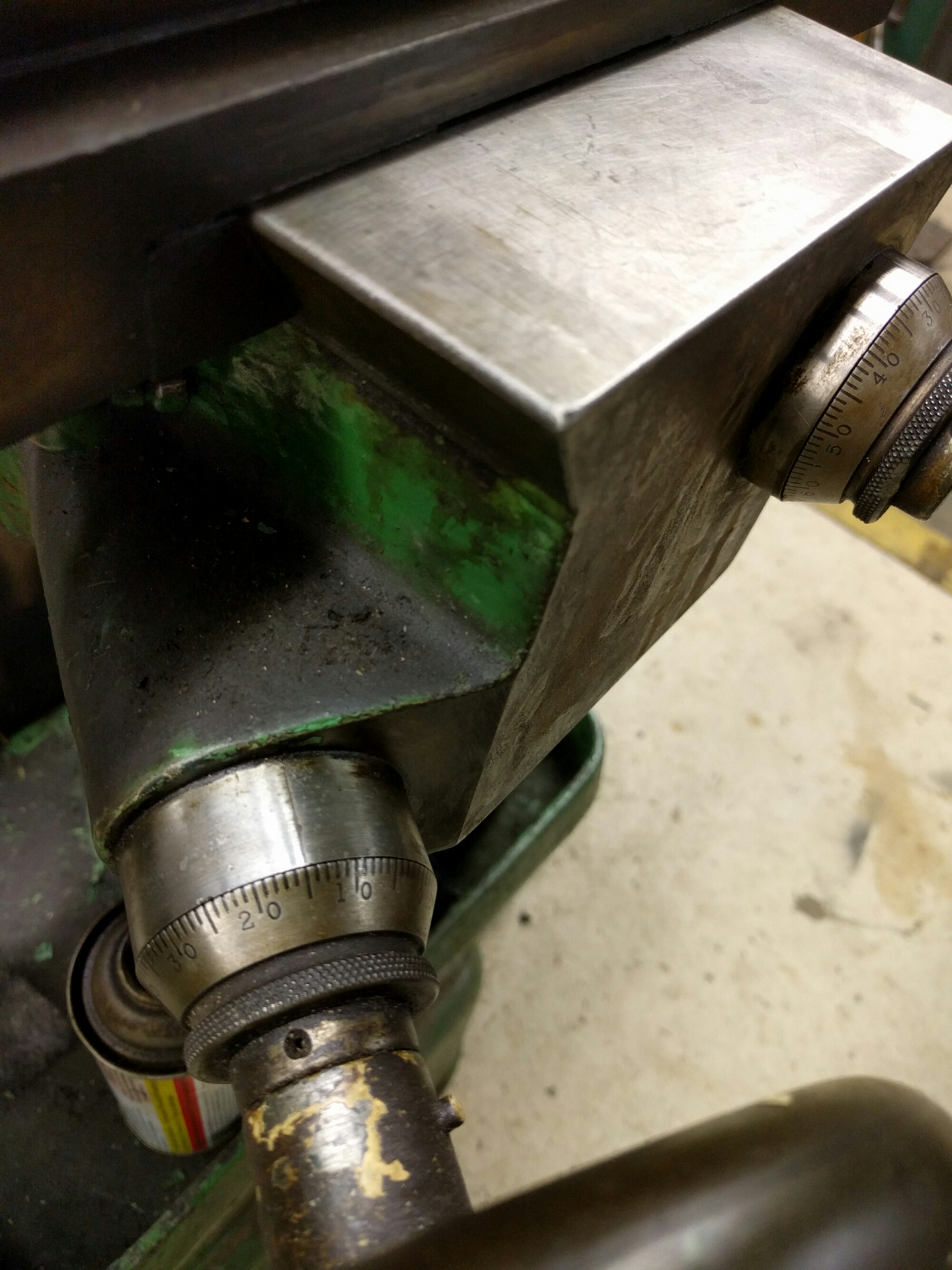
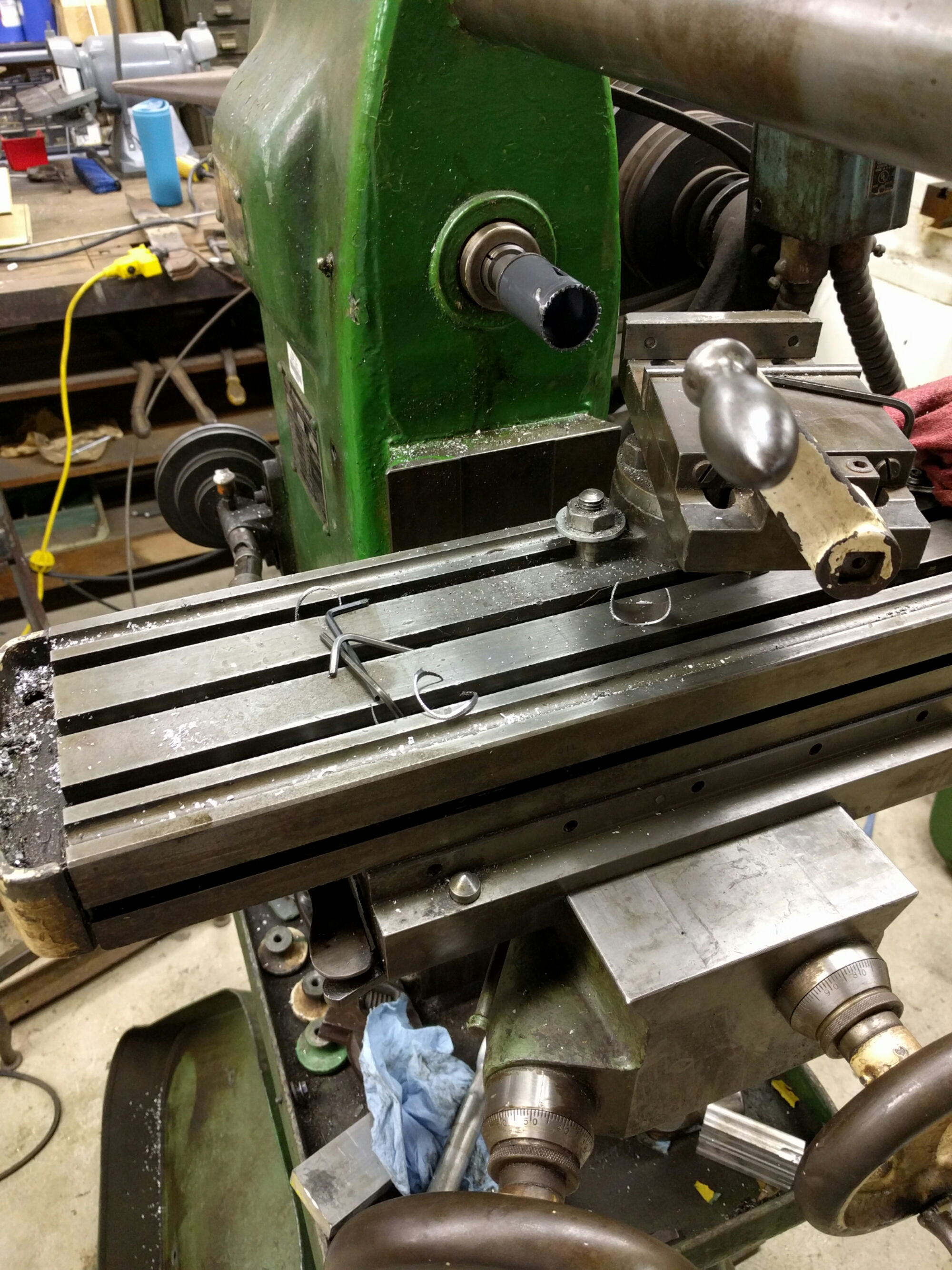
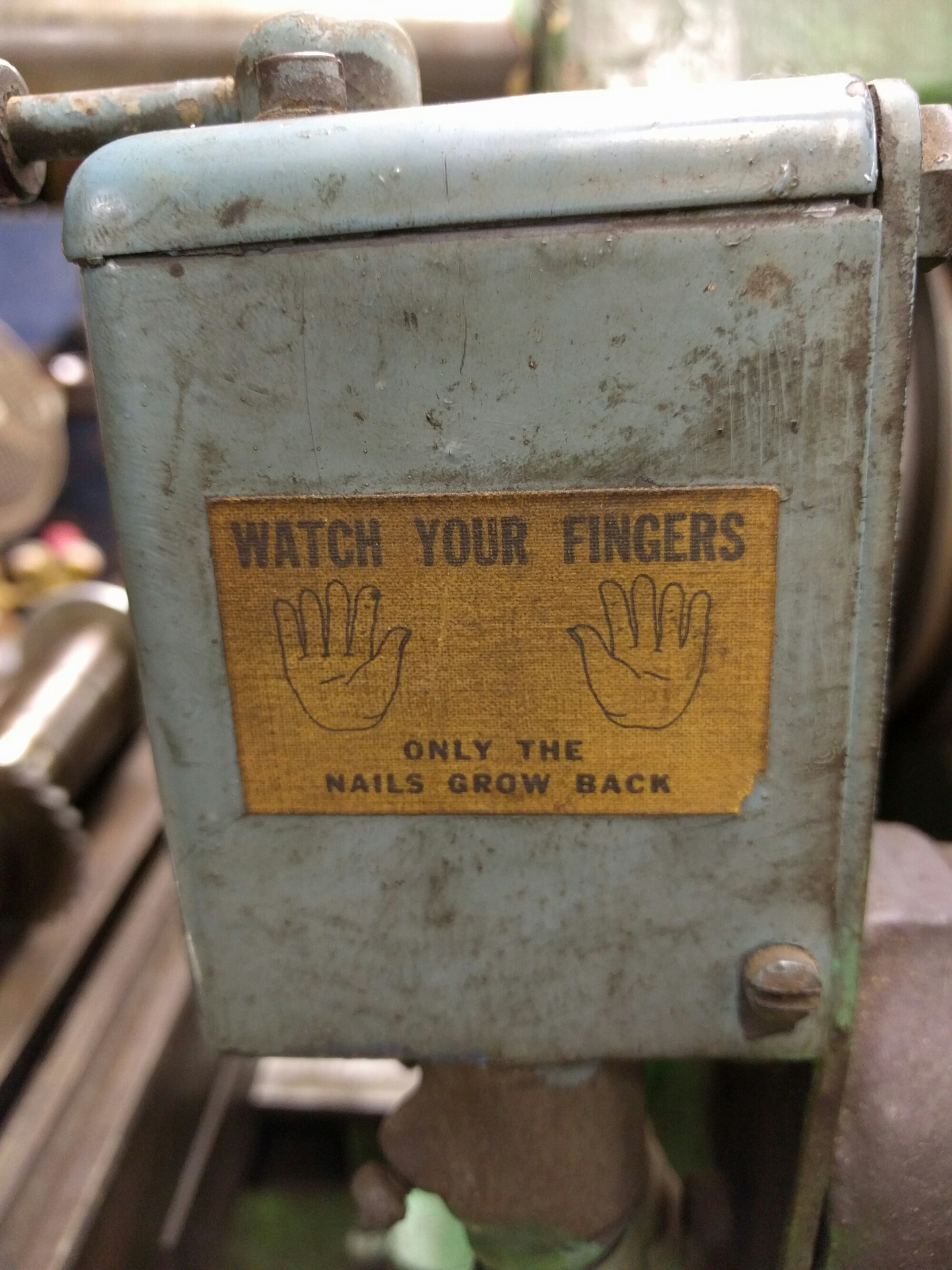
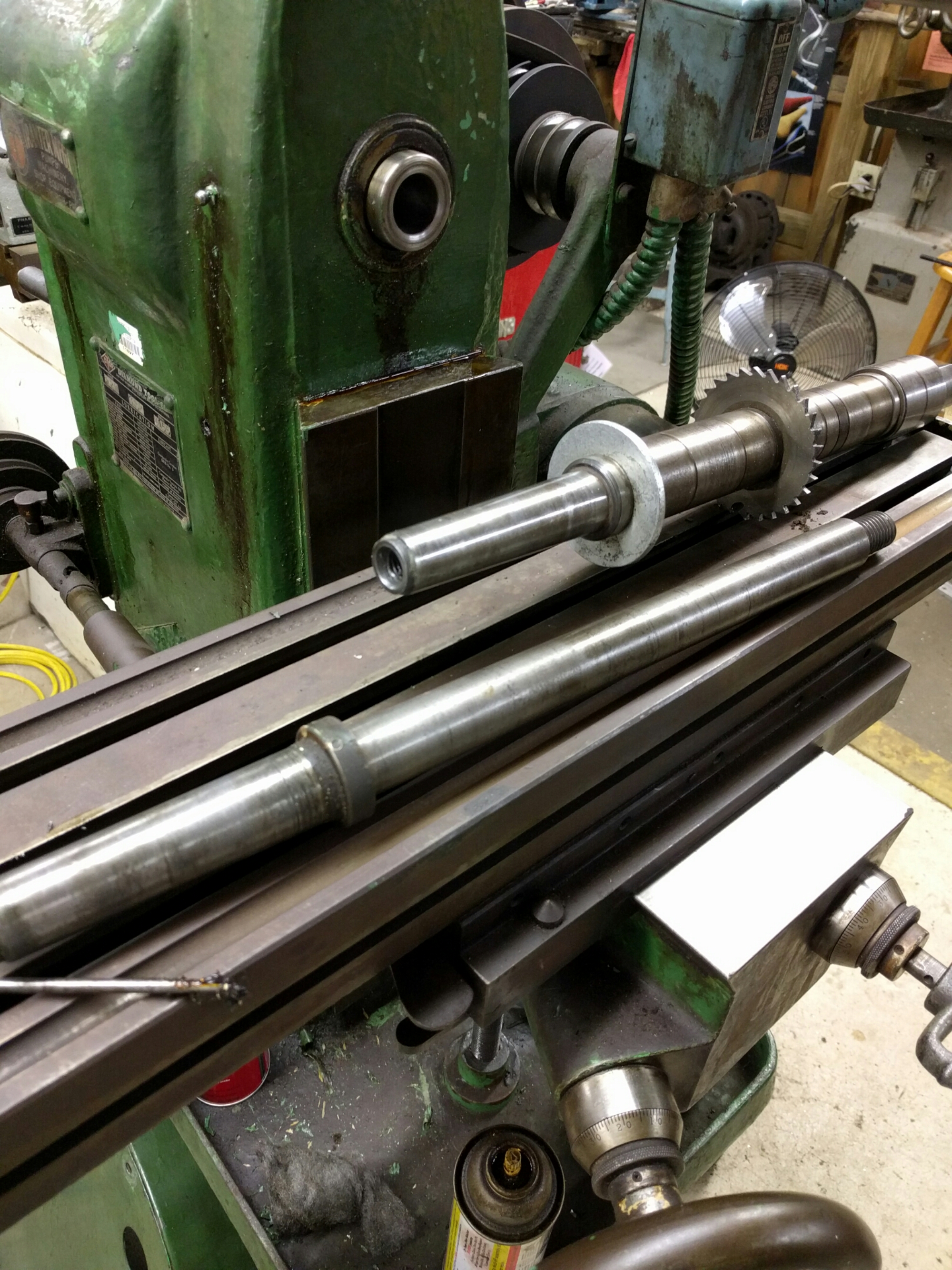
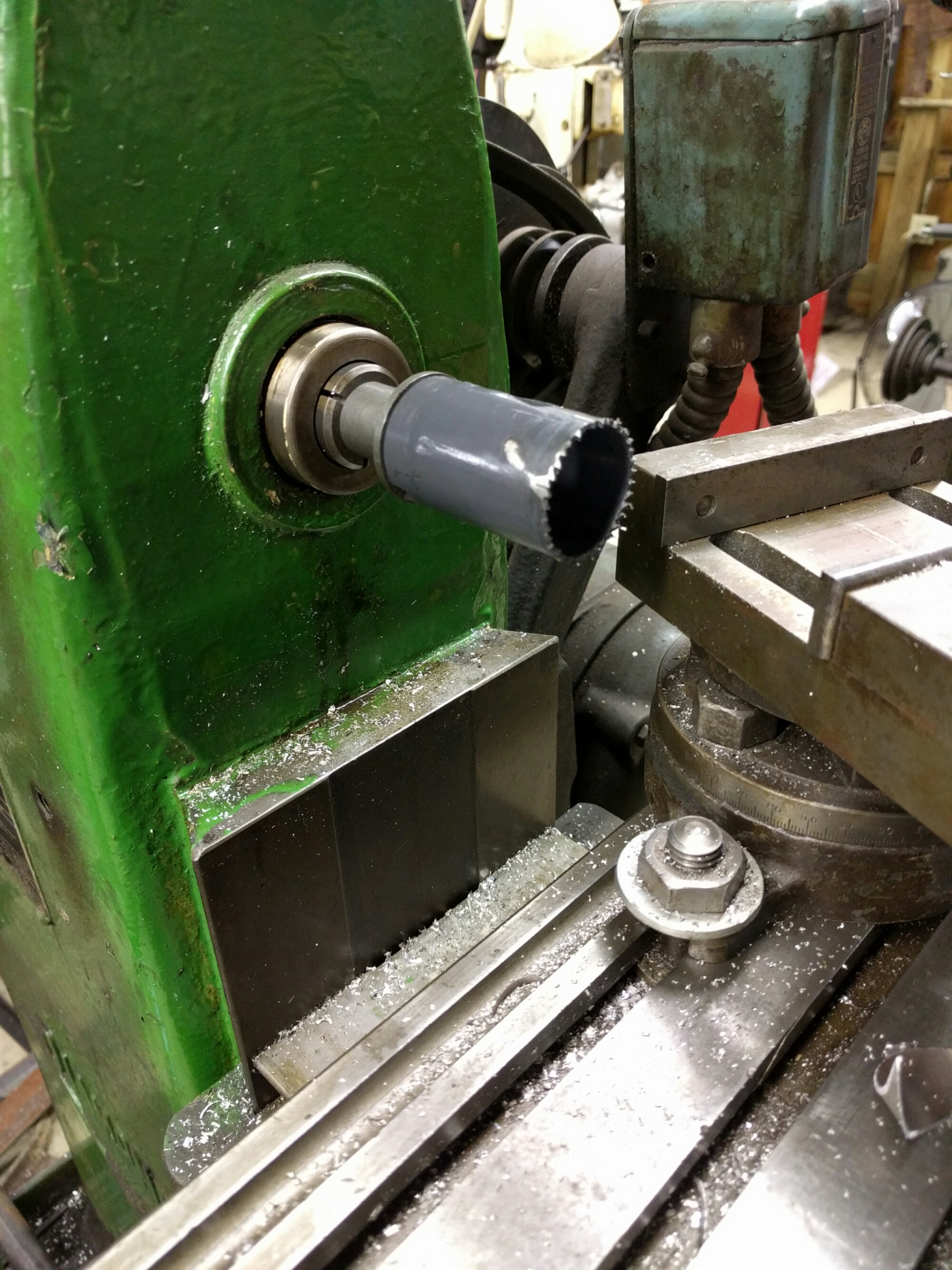
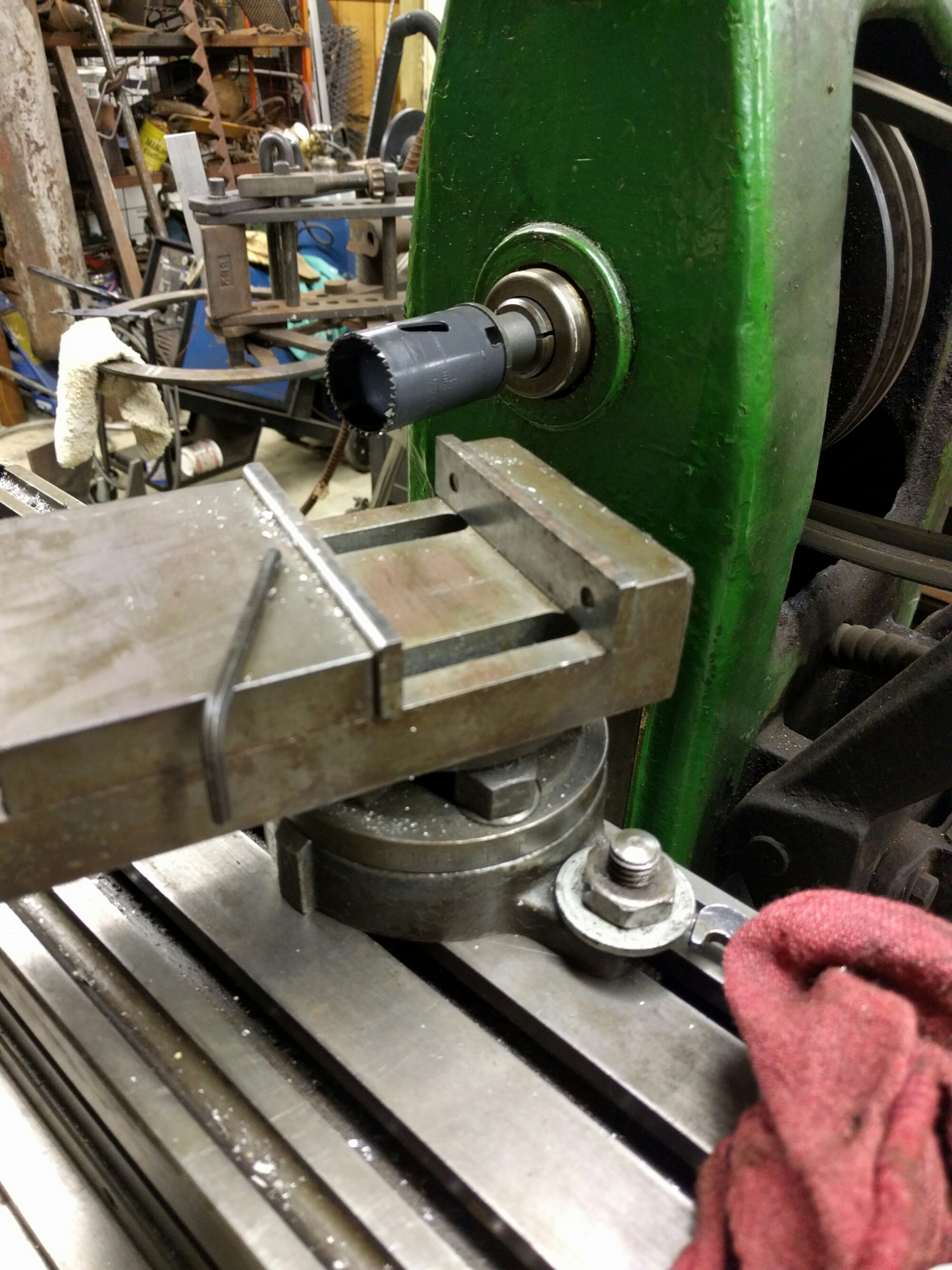
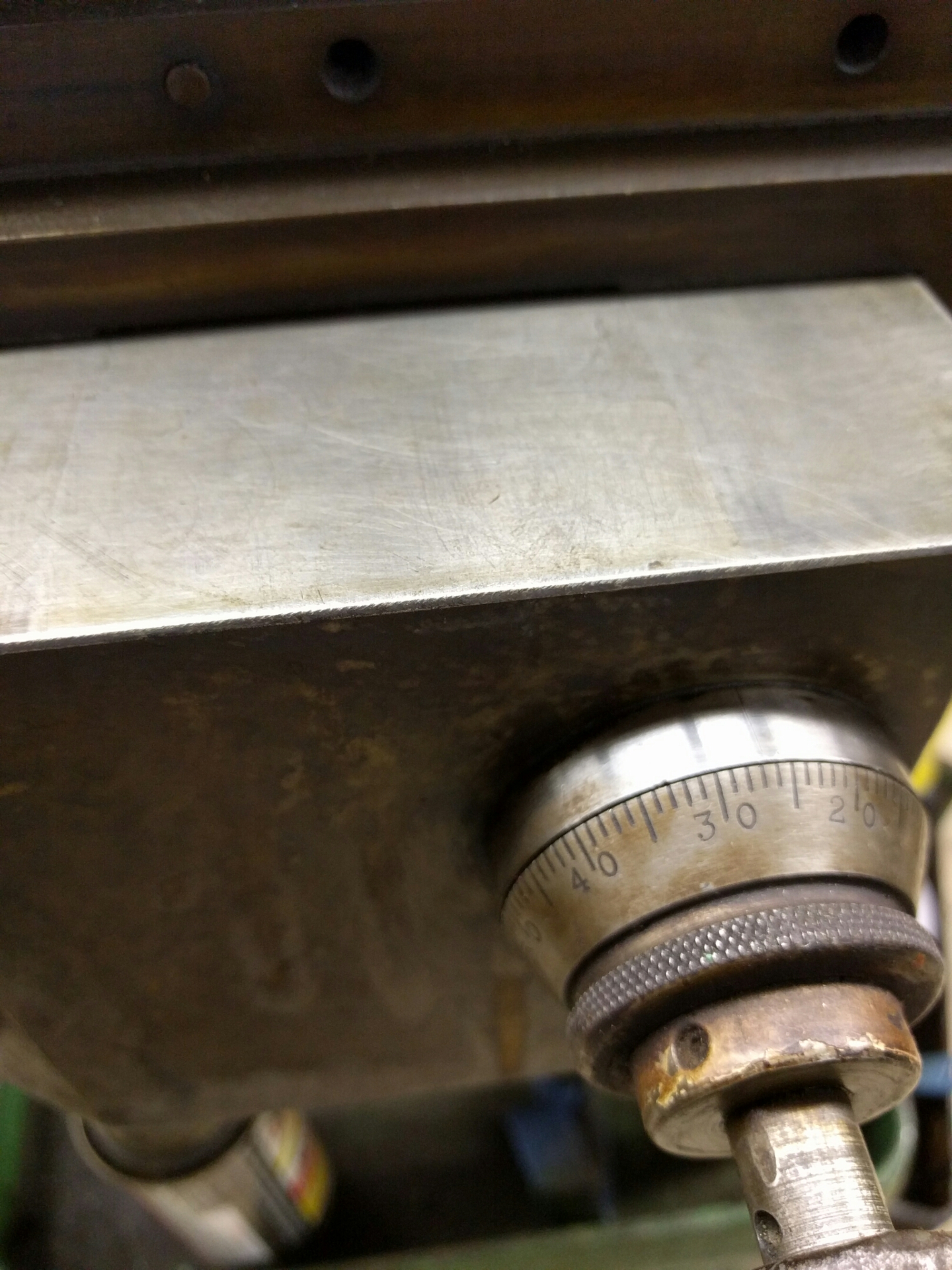
Cleaning up and adjusting coming along pretty well. Arbor removal was stubborn but done. Cut some tubing on one of them just cuz...
Rewired all done and motors good. Rewired one of the coolant pumps...worked good until I reassembled...now showing some sparks. On the list but don't plan to use them anyway.
More soon
read more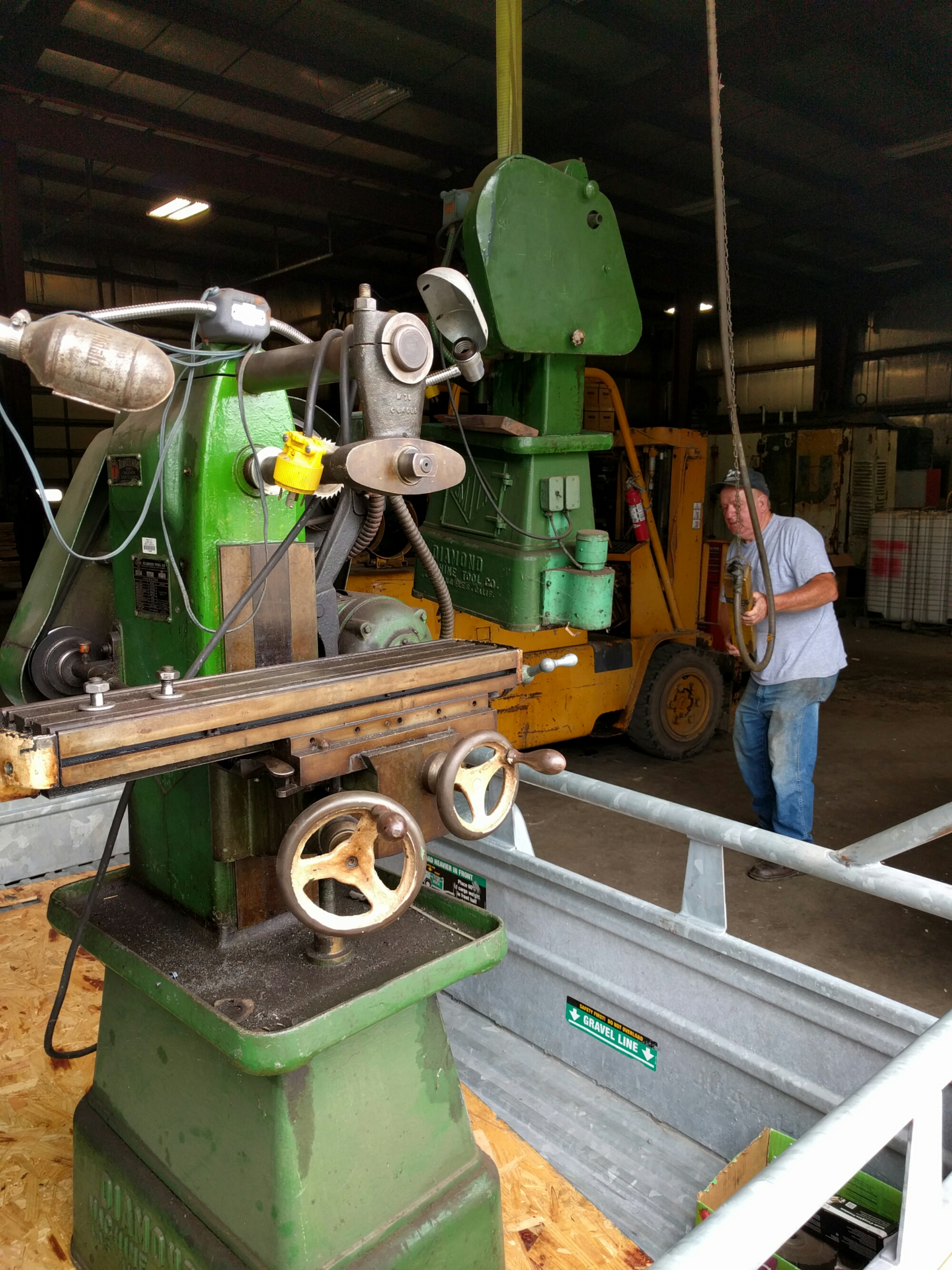
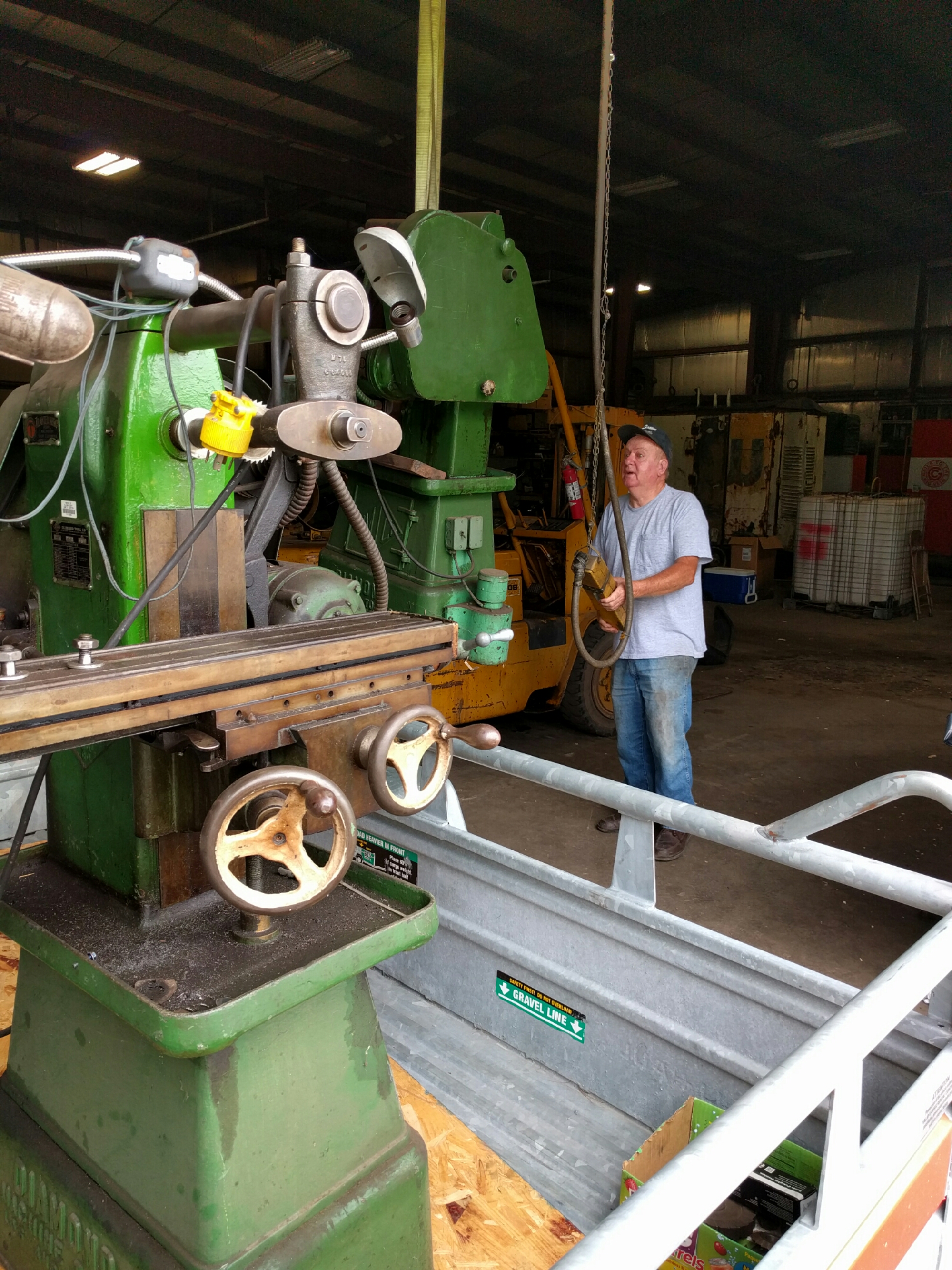
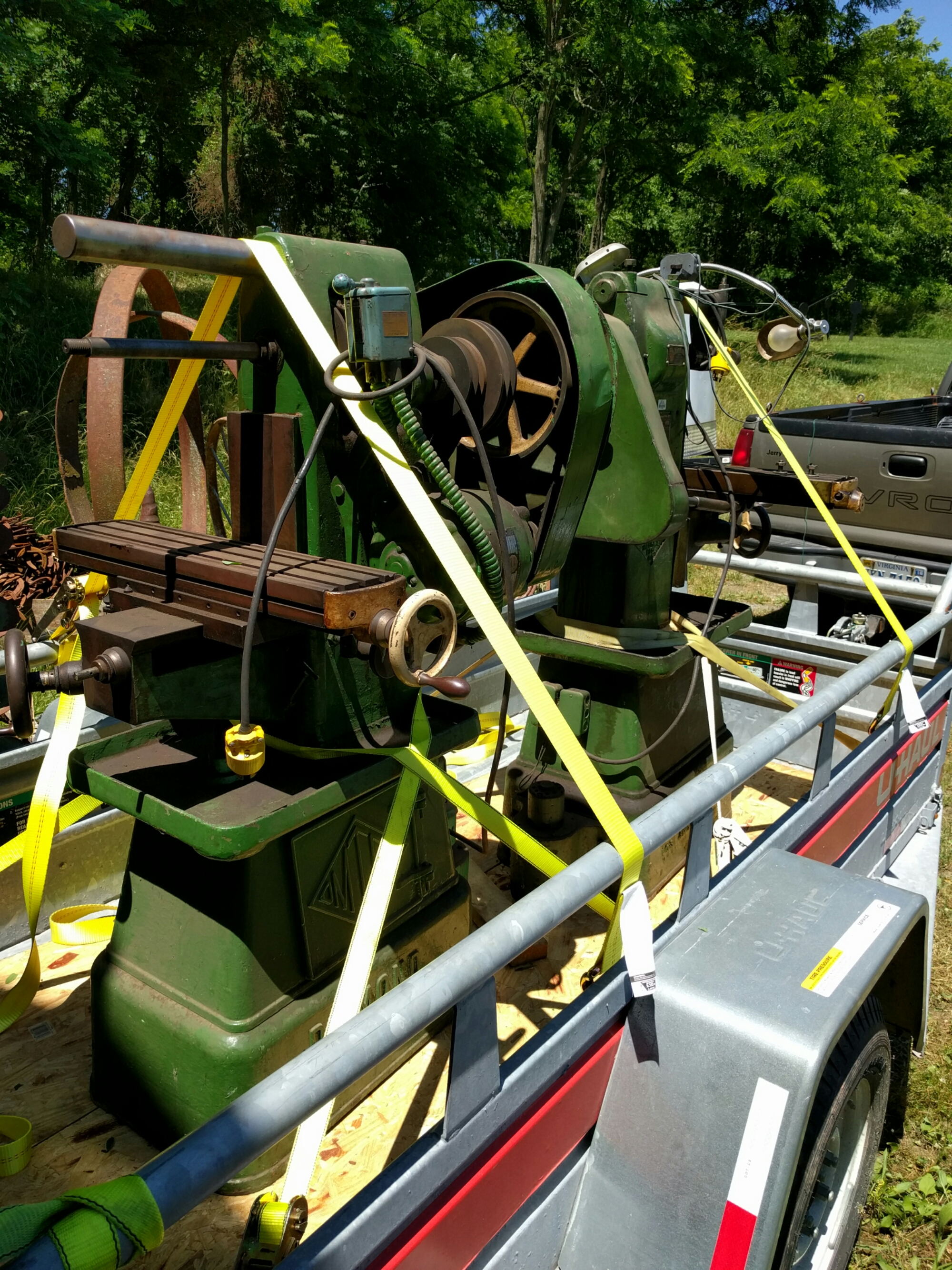
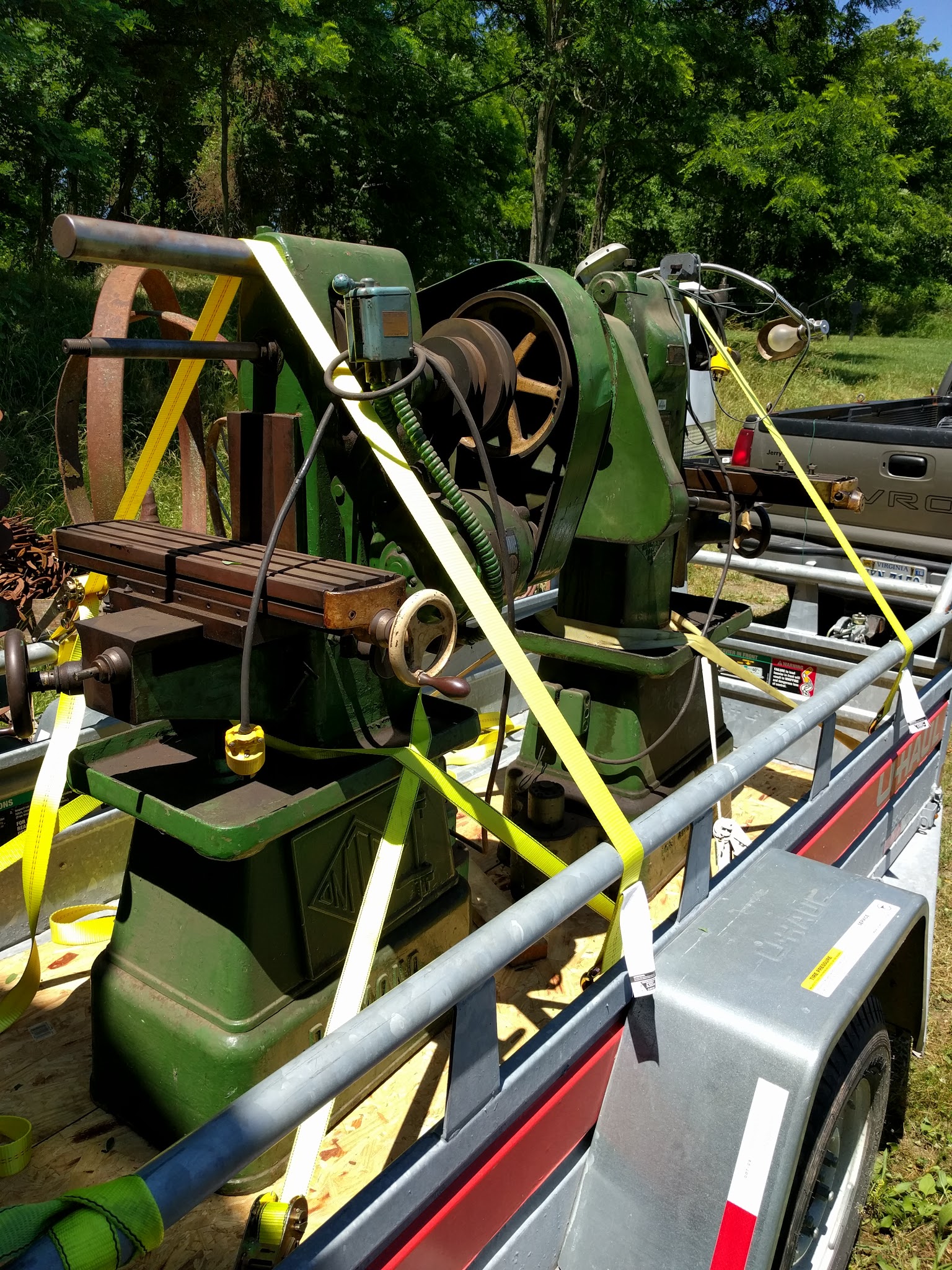
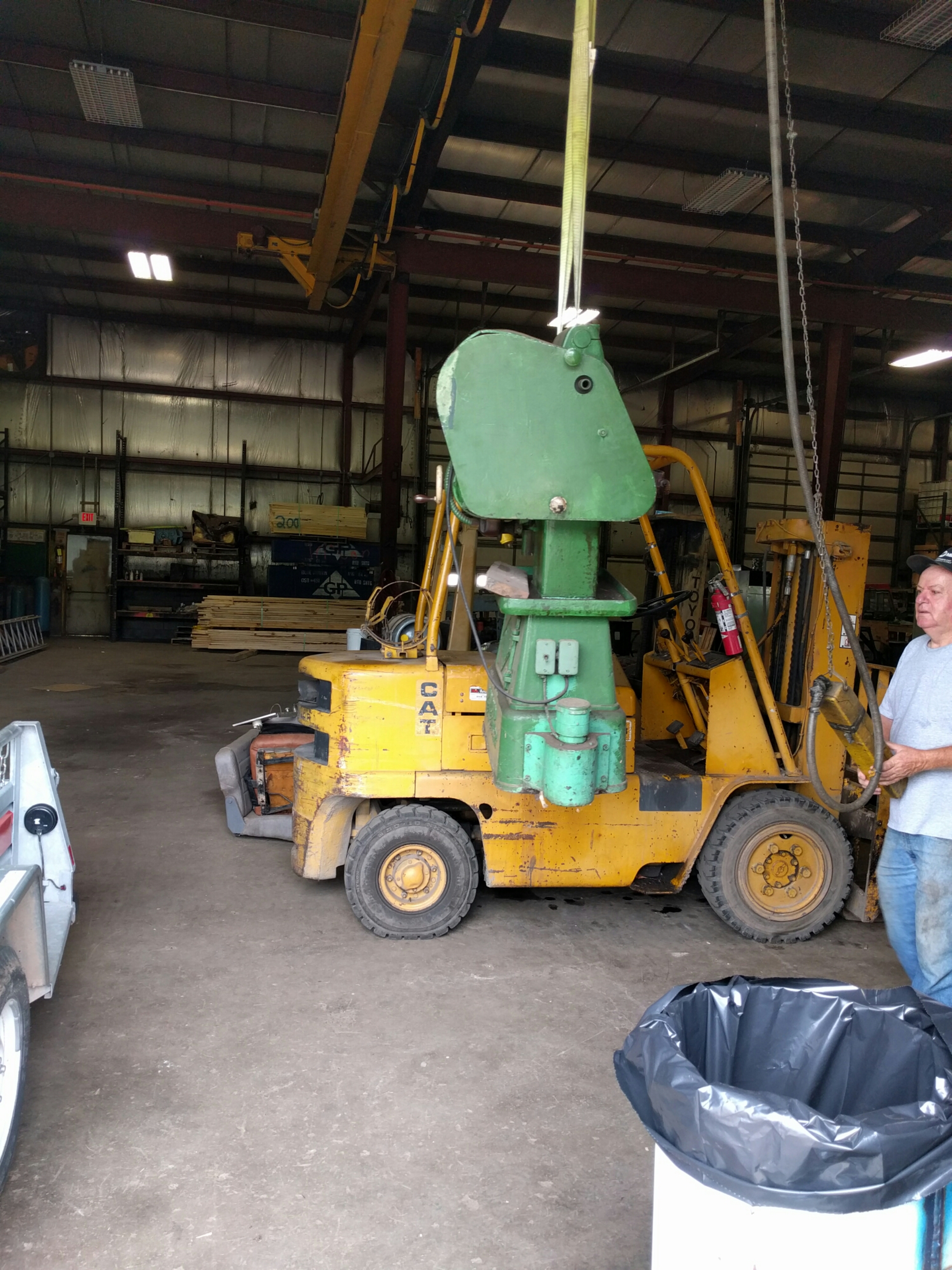
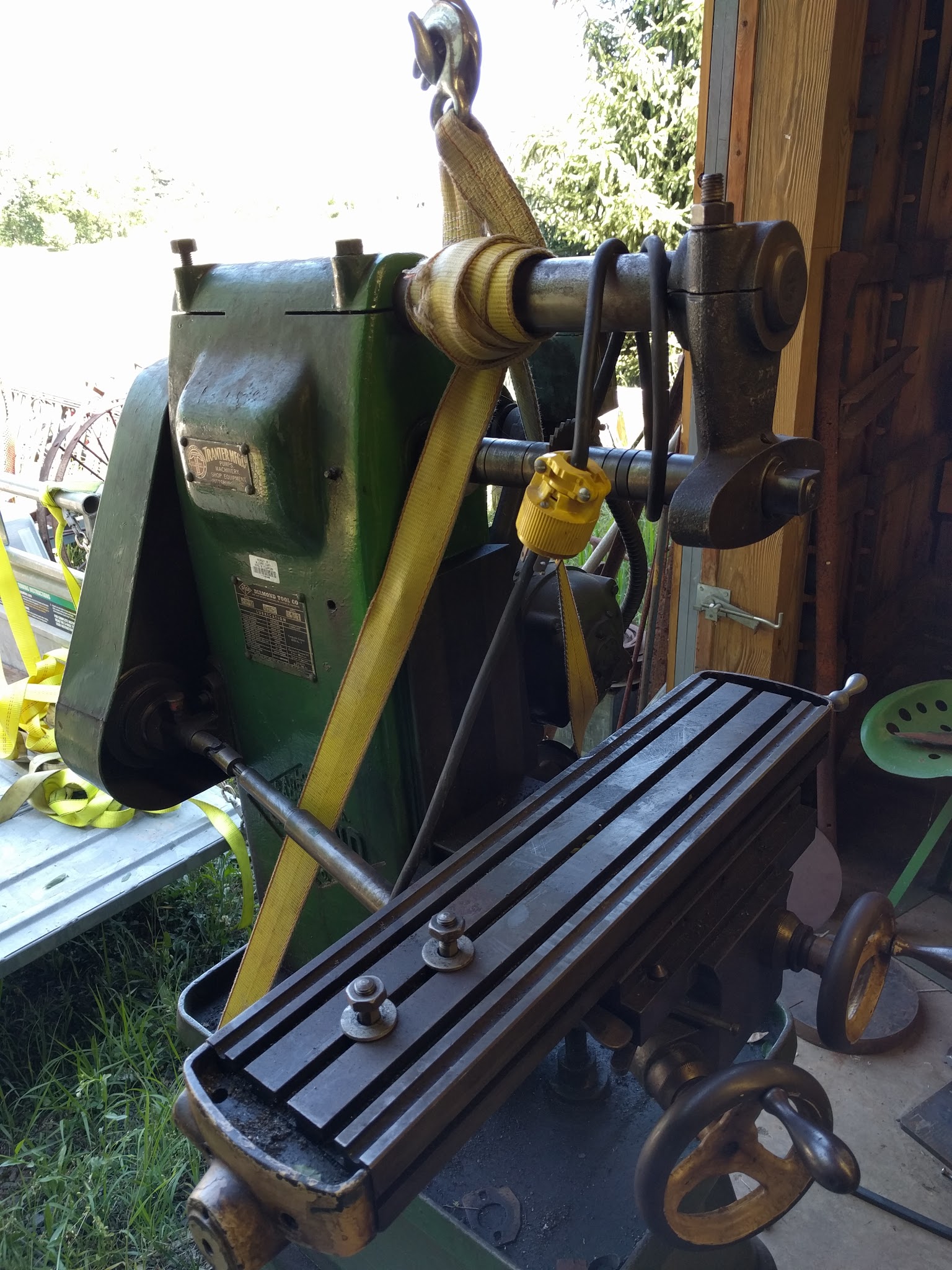
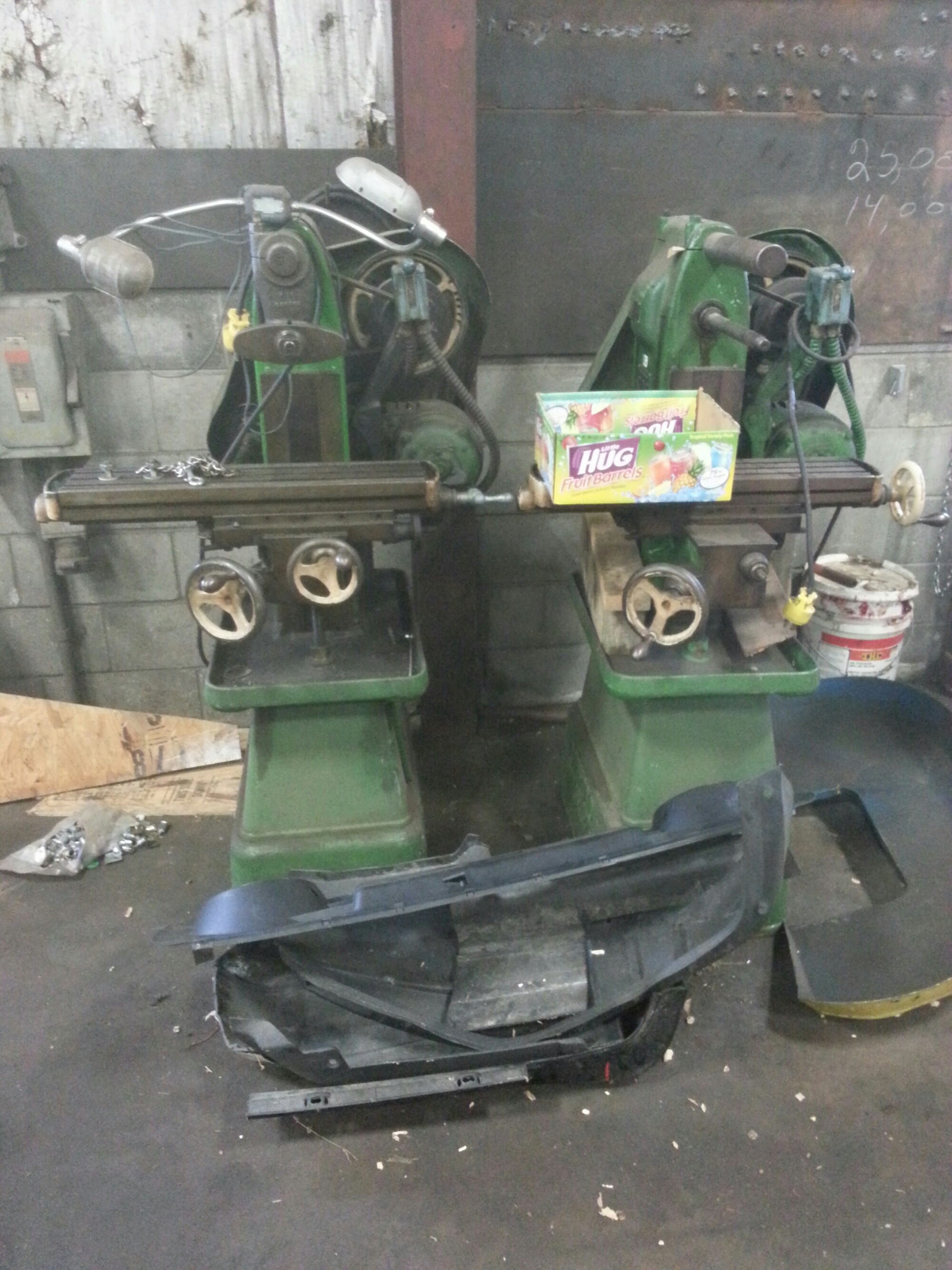
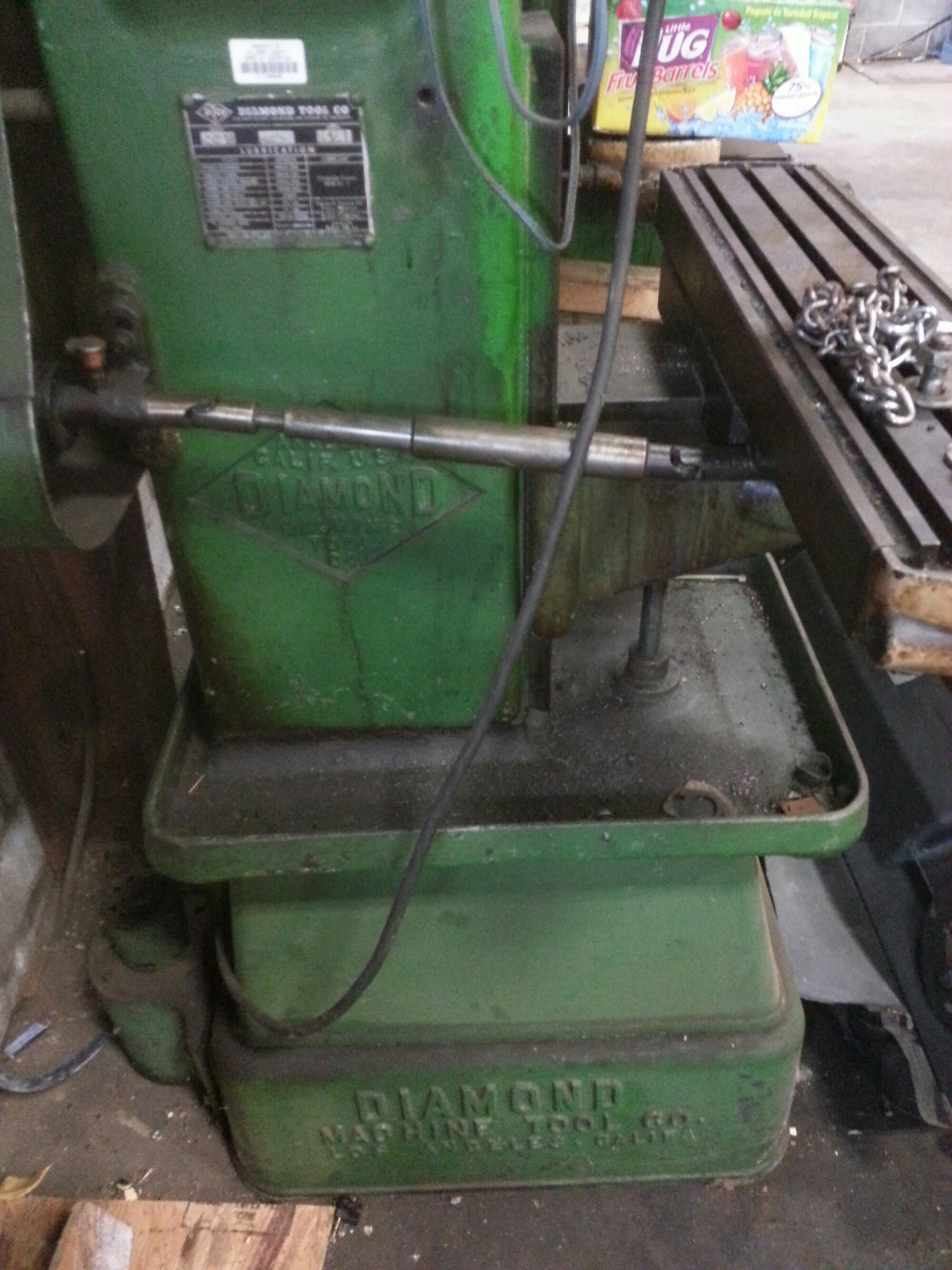
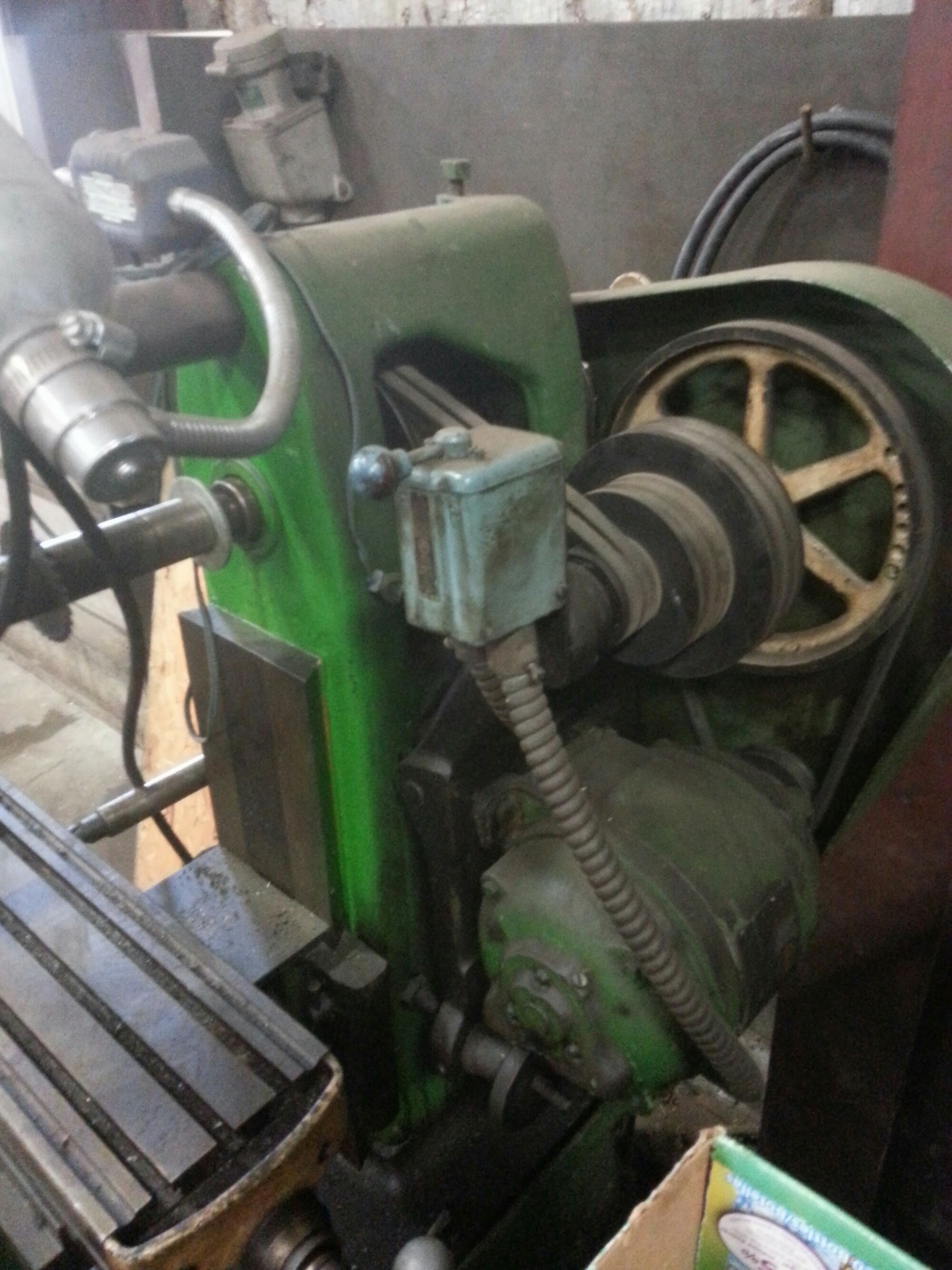
Two Diamond M22 Horizontal Mills. Picked up this morning and got them both into the shop. Trip was thankfully uneventful! One is more complete than the other...missing overarm bracket and one crank. Saved from county school system many years ago...very little wear and should clean up nice.
1000lb each
Made in LA..neat to find them on East coast.