1. Arduino, Ethernet Shield, Node.js and AWS OpsWorks

    After going though a lot of the great examples I wanted to dive into connecting the Arduino to the internet and figure out a way to push sensor data to the web for later consumption. Thanks to Remote logging with Arduino and Node.js at FRENKI.NET I was able to get the info I needed to setup a simple data collector application.

    [code language="cpp"]
    //Sending one Analog Value to a Node.js server
    //Used AWS OpsWorks and created basic Stack to deploy a node.js instance
    //Stolen from FRENKI.NET

    #include
    #include
    #include

    byte arduinoMac[] = { 0xDE, 0xAD, 0xBE, 0xEF, 0xFE, 0xED };
    // desired IP for Arduino
    IPAddress arduinoIP(192, 168, 1, 100);
    // port of Arduino
    unsigned int arduinoPort = 8080;

    // IP of node.js server setup to recieve the data
    IPAddress receiverIP(00, 00, 00, 00);
    // Port on node.js server that is listening to UDP traffic
    unsigned int receiverPort = 7777;

    EthernetUDP Udp;

    int sensorPin = A4; // Choose whatever sensor pin you would like to use
    int sensorValue;

    void setup() {
    Ethernet.begin(arduinoMac,arduinoIP); //Initialize Ethernet UDP and Serial port
    Udp.begin(arduinoPort);
    Serial.begin(9600);
    }

    void loop() {
    sensorValue = analogRead(sensorPin); // Read sensor value and store in sensorValue
    byte valueInBytes[2] = {lowByte(sensorValue), highByte(sensorValue)}; //convert it to a byte array for the UDP Transfer
    // Debug info for figuring out how byte array works
    Serial.print("Low: ");
    Serial.println(lowByte(sensorValue));
    Serial.print("High: ");
    Serial.println(highByte(sensorValue));

    // Send UDP Packet to node.js server
    Udp.beginPacket(receiverIP, receiverPort); //start udp packet
    Udp.write(valueInBytes, 2); //write sensor data to udp packet
    Udp.endPacket(); // end packet
    // Repeat every 5 seconds
    delay(5000);
    }
    [/code]

    node code:

    Here is a snippet of node.js code used to receive the Arduino data. I used a simple AWS OpsWorks Deployment of an node.js instance. Add the following code to a file...arduindocollect.js and then run #node arduinocollect.js...

    [code]

    var dgram = require("dgram");
    var server = dgram.createSocket("udp4");
    var fs = require('fs');

    var crlf = new Buffer(2);
    crlf[0] = 0xD; //CR - Carriage return character
    crlf[1] = 0xA; //LF - Line feed character

    server.on("message", function (msg, rinfo) { //every time new data arrives do this:
    console.log("server got: " + msg.readUInt16LE(0) + " from " + rinfo.address + ":" + rinfo.port); // you can comment this line out
    fs.appendFile('mydata.txt', msg.readUInt16LE(0) + crlf, encoding='utf8');//write the value to file and add CRLF for line break
    });

    server.on("listening", function () {
    var address = server.address();
    console.log("server listening " + address.address + ":" + address.port);
    });

    server.bind(7777); //listen to udp traffic on port 7777

    [/code]

    AWS - Make sure you update the Security Group to allow UDP on 7777 or whatever UDP Port you decide to use.

    read more
  2. Arduino Uno - Home and Doing Well

    Picked up an Arduino Uno R3 recently at my local RadioShack. Also picked up a RadioShack starter pack to get me going. They are amazing! Was able to get started with it in no time at all thanks to the great "Getting Started with Arduino" guide.

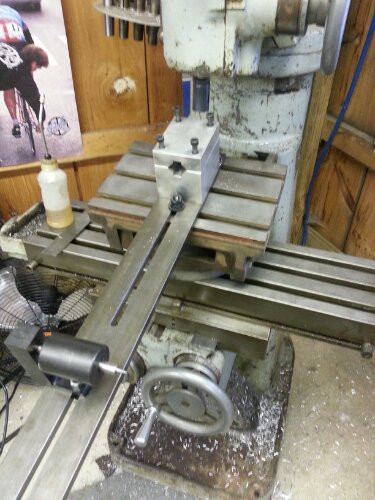
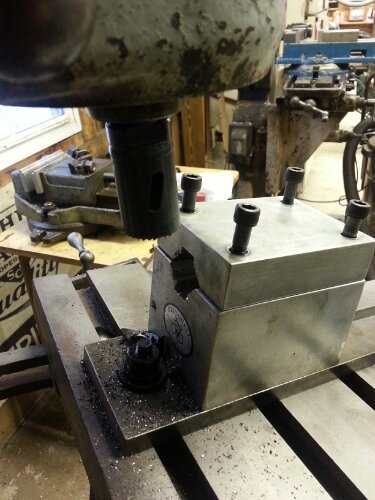
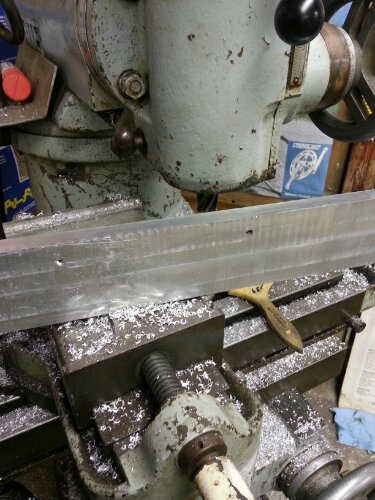
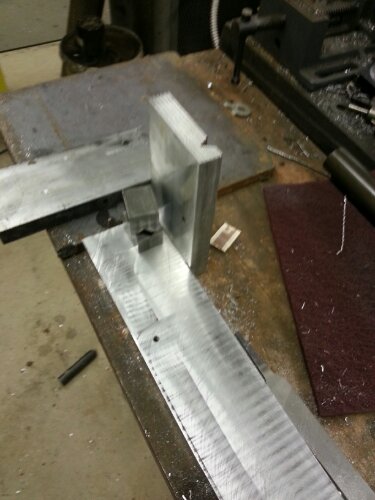
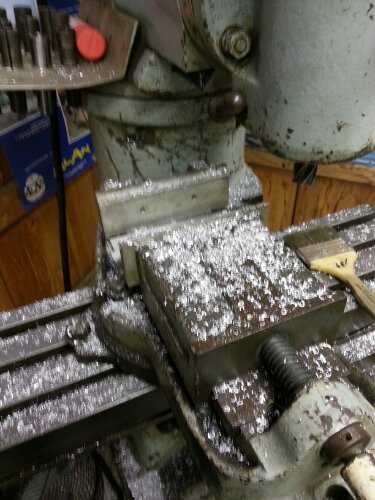
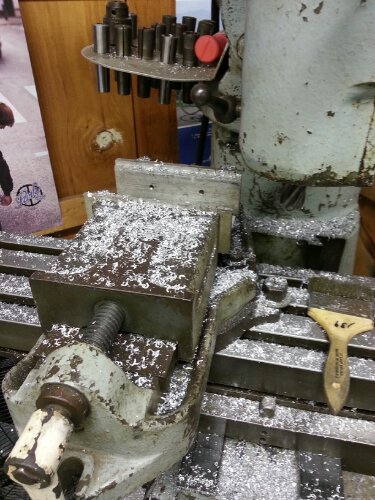
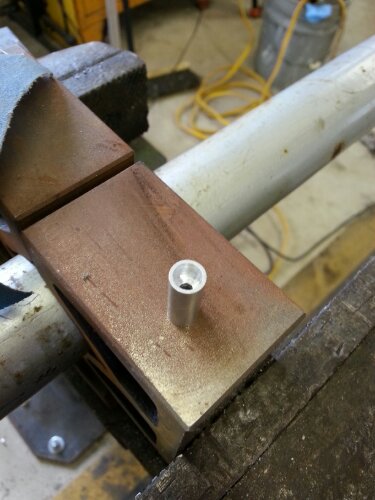
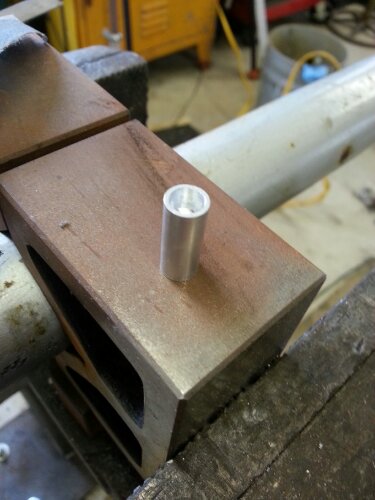
    I immediately noticed that a solid case and or mount was in order to prevent it from slipping all over the place while working with it. Pretty sure the USB Cable weighs more than the board. Thanks to adafruit I was able to get the Arduino Hole Dimension Drawwing and build a block out of some scrap aluminum I had laying around.

    This was a test/challenge of my machine layout skills but was happy that it worked out well enough on the first attempt. I am going to make a few more so that I can have a template for drilling out other bases and such. Making more of these will also help hone my layout skills.

    As you will see in this next photo, the mounting hole that is near the AREF Pins is not very useful as there is not space for the head of a screw to sit.

    My only regret with the Arduino Uno is that I did not buy one sooner!

    read more
  3. Tilting Table with Swivel Base part 2

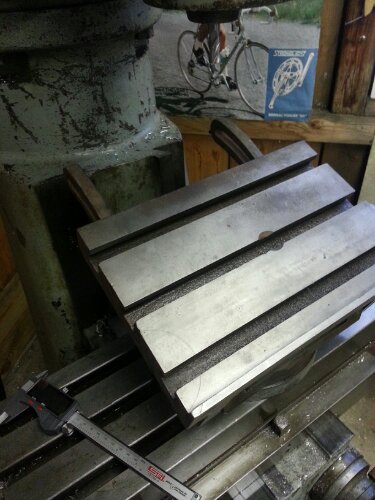
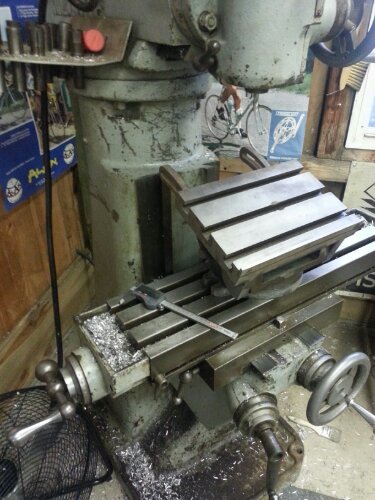
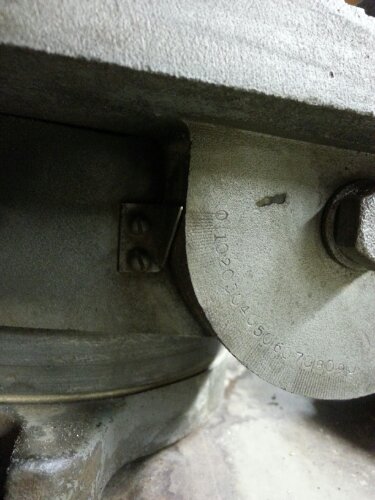
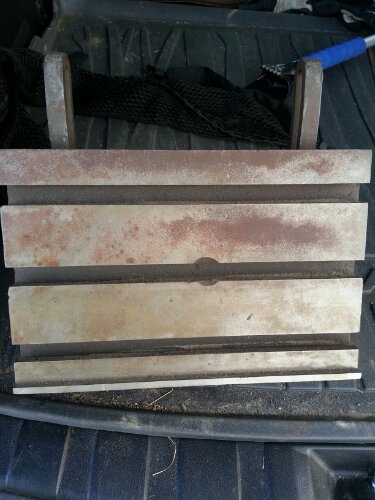
    Could not help myself..did a closer look at the table and took a few more shots.  Can not find a mark on it bit appears to be very well made.

    As expected the radii tool from previous post is too big for my lathe...solution...start looking for bigger lathe:)

    read more

links

social